Minecraft thumbnail maker for your video covers

Give your next video a cover that shows its story. This Minecraft thumbnail maker brings posed characters, block builds, backgrounds and text into one layered canvas, with direct control over the image you download.

Make your thumbnail 01
Build your scene
Backgrounds
Editable starting points

Add your skin as a 3D character, or upload a screenshot from your world.

Local draft
1280 × 7204 layersDrag to move · corners to resize · double-click text to type

From character pose to cover composition

See how one character pose becomes the focal point of a cover composition. The Minecraft thumbnail maker lets you arrange a subject, scenery and a headline together, then refine their balance before exporting your own design.

Character pose

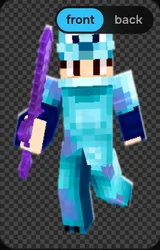
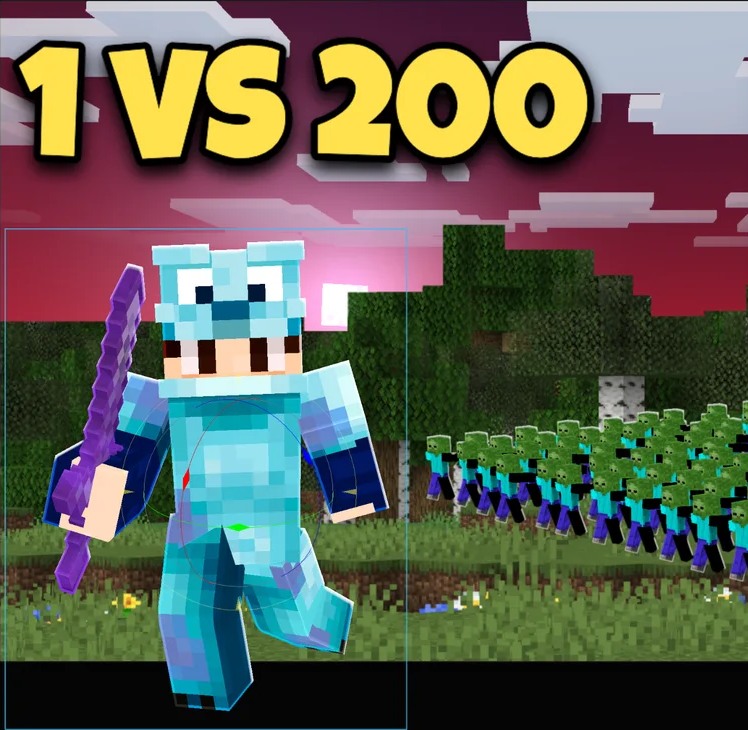
Blue-armored character holding a purple sword with one leg raised

A blue-armored character holding a purple sword, with one leg raised. Keep this pose as the subject while placing the headline and scenery around it.

Cover composition

The same blue-armored character in a cover composition with a large challenge title and scenery

How the Minecraft thumbnail maker works

Make your thumbnail

Choose your starting scene

Add a background, upload an image or select a preset in the Minecraft thumbnail maker, then choose the canvas size for your cover.

Build the visual story

Pose a character, add a build and place your title. Arrange Minecraft thumbnail maker layers so the important subject stays easy to recognize.

Download the finished cover

Export the current Minecraft thumbnail maker canvas as PNG or JPEG, and keep an editable project when you want to make another version.

A Minecraft thumbnail creator with editable subjects

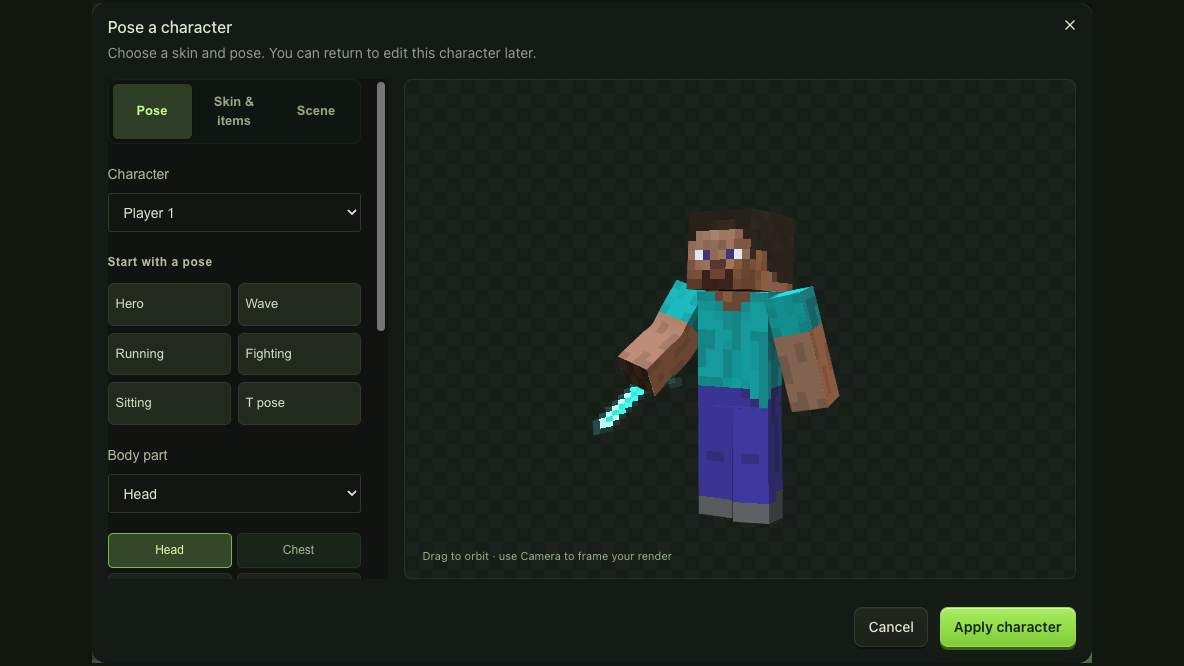
Character pose dialog with joint controls beside the live player preview

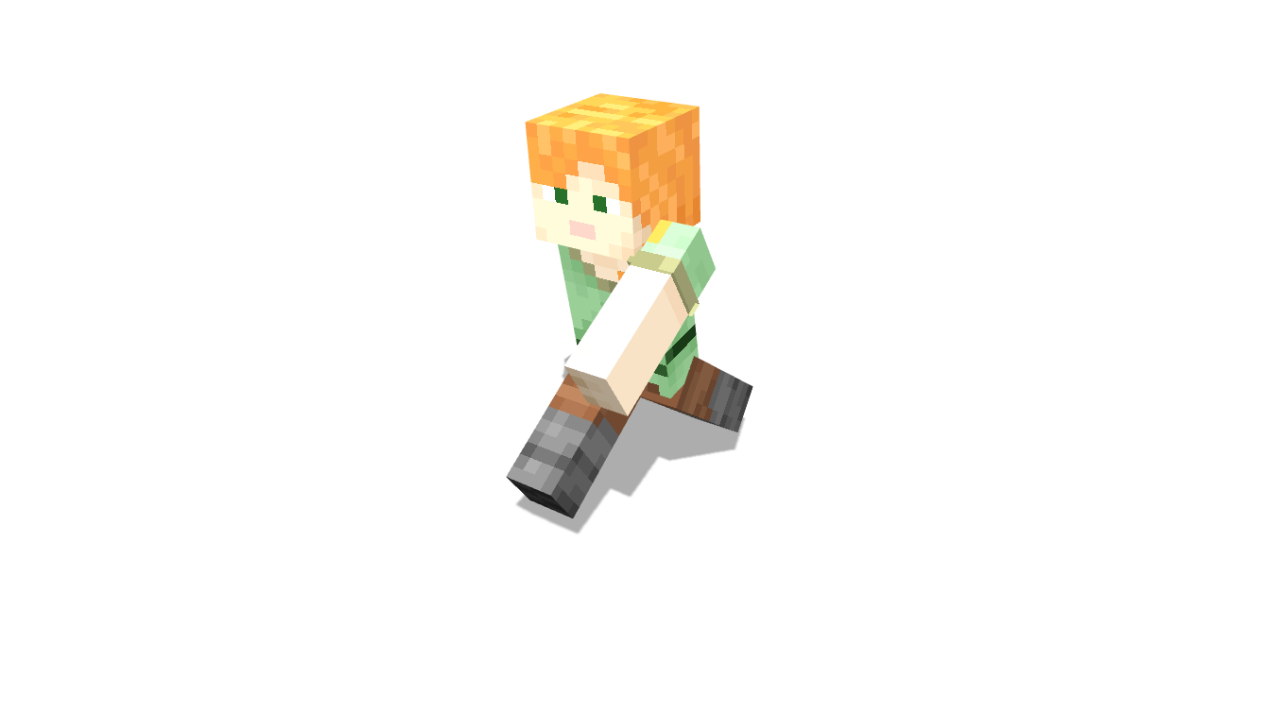
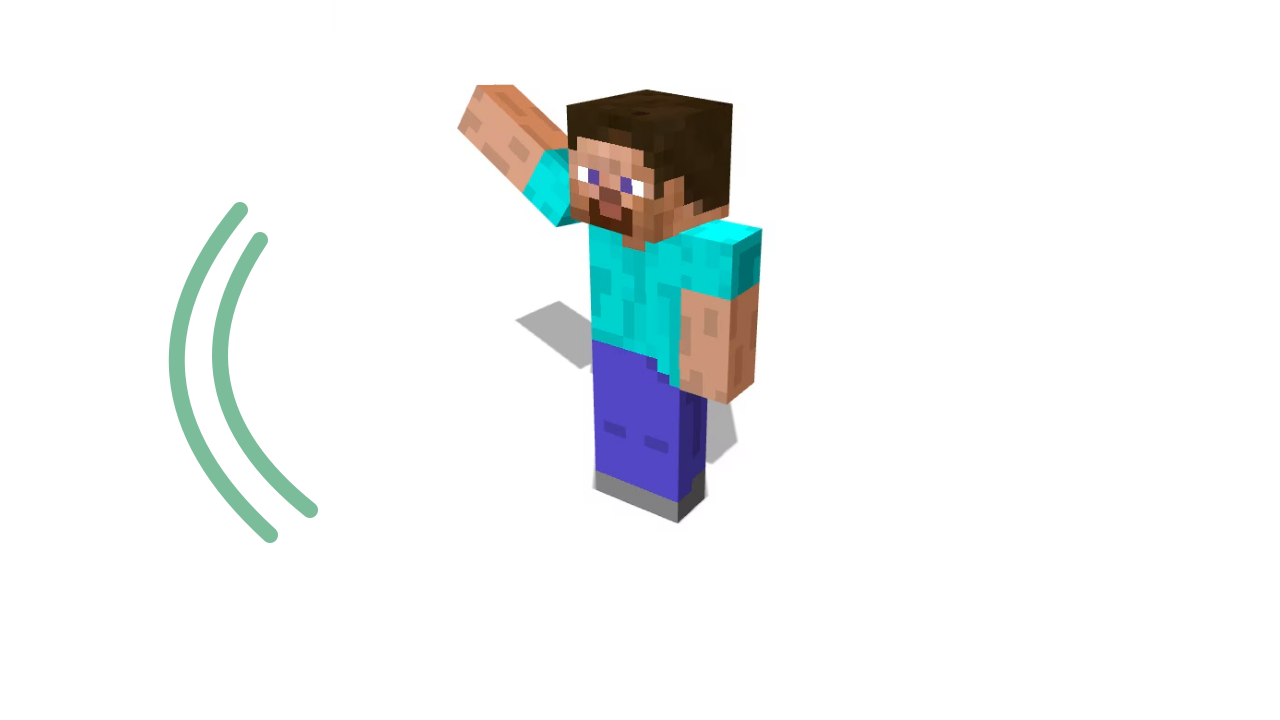
Pose a character around your video idea

Change a player’s limbs, held items and camera before adding the render. The Minecraft thumbnail maker keeps character scenes editable, so you can revisit a pose when the title or composition changes rather than replacing the whole cover.

Pose your character
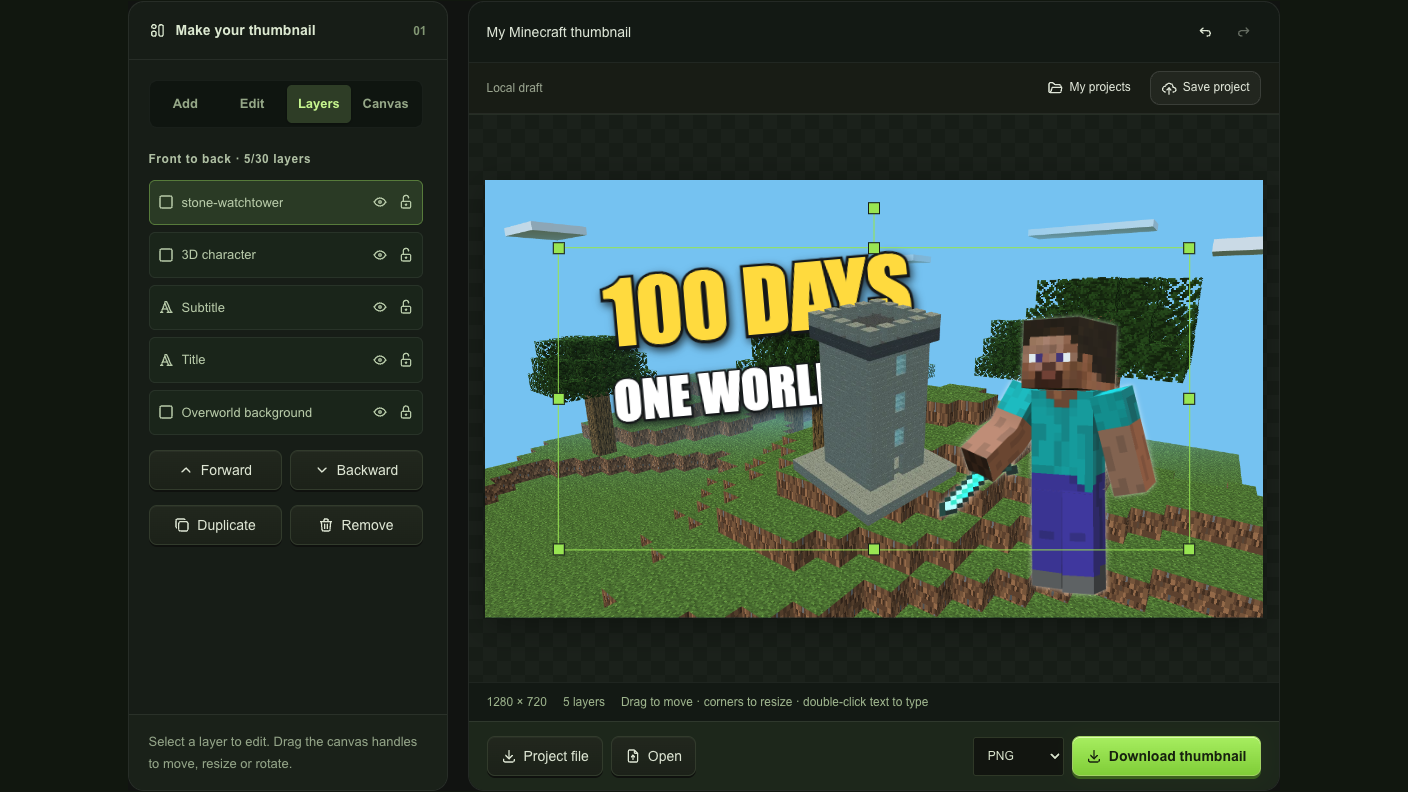
Building render, outlined title and character arranged on separate layers

Give builds and titles their own layers

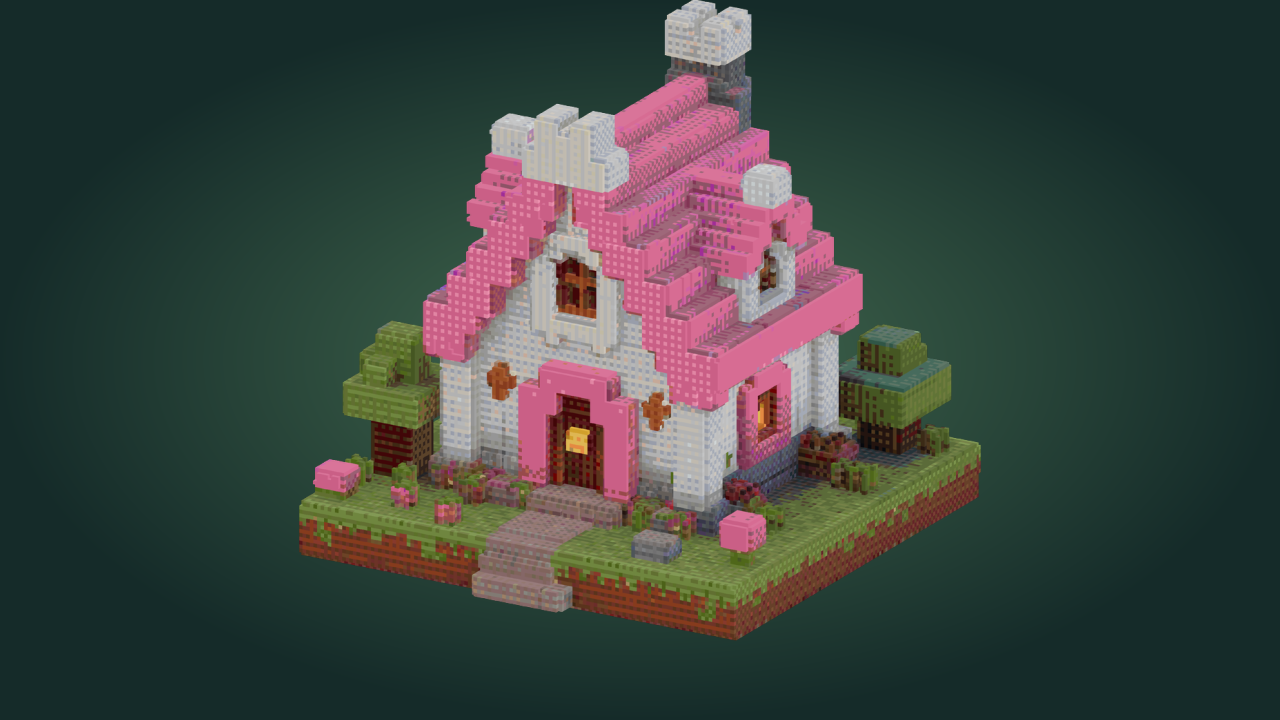
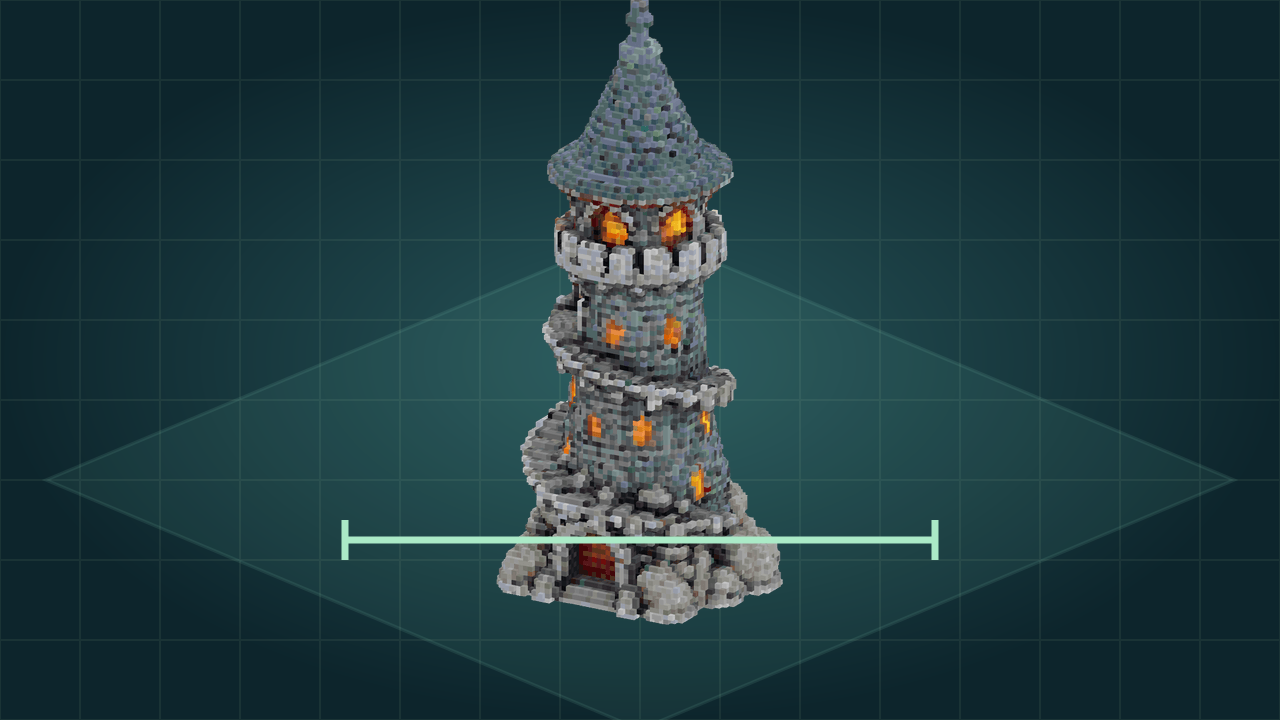
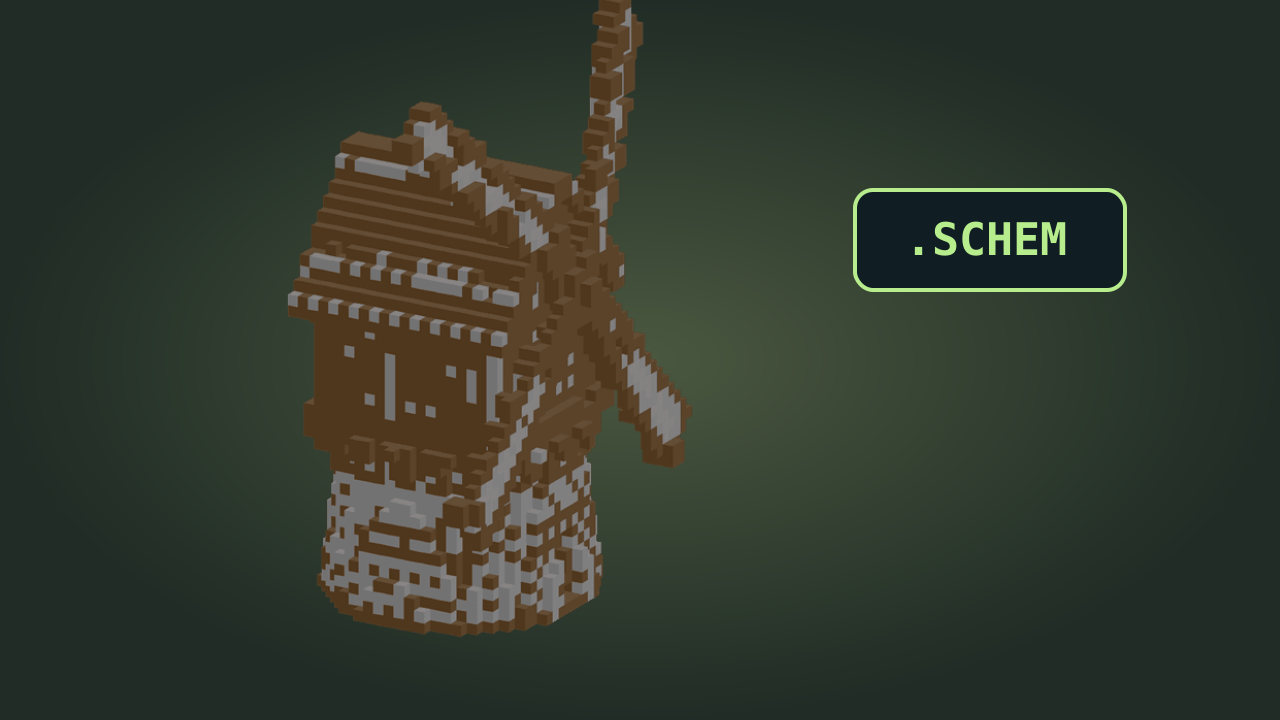
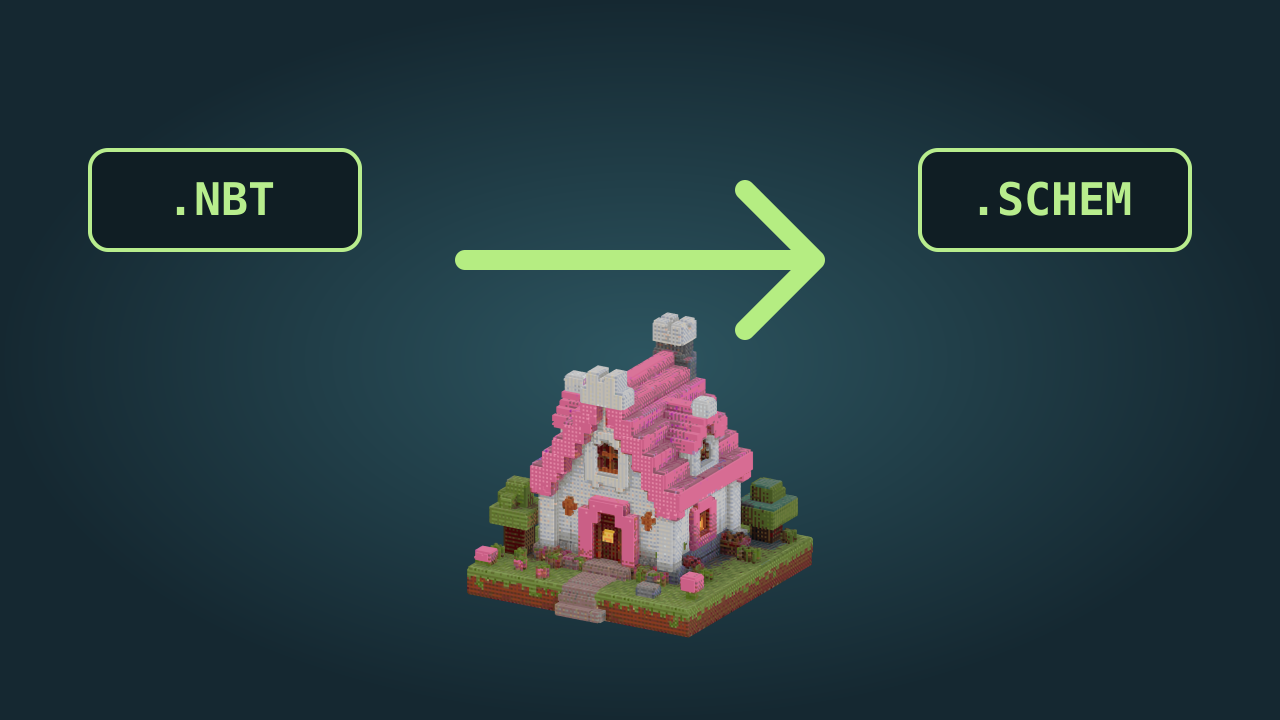
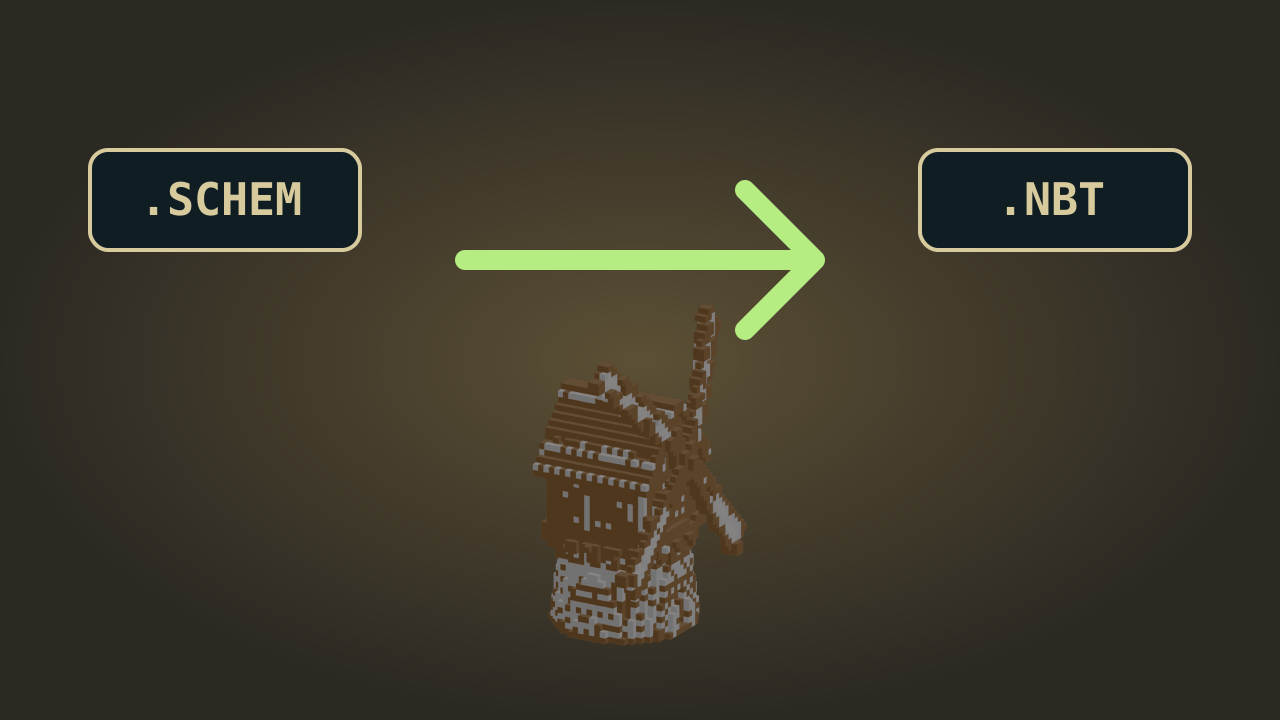
Import a Java NBT or Schematic building, choose its view and place it beside your character. The Minecraft thumbnail maker gives text, images and shapes separate transforms, letting you resize a headline without moving the scene behind it.

Arrange your layers

Make Minecraft thumbnails around one clear idea

A survival milestone, new base or challenge needs a different visual emphasis. The Minecraft thumbnail maker lets you keep the recognizable parts of your series while changing the subject, headline and framing for each episode.

Keep the headline readable

Use text outline and shadow in the Minecraft thumbnail maker to separate a short title from a busy background without covering the main subject.

Protect a finished arrangement

Lock a completed layer and change its neighbors. Minecraft thumbnail maker ordering and visibility controls help you compare layouts while keeping the background in place.

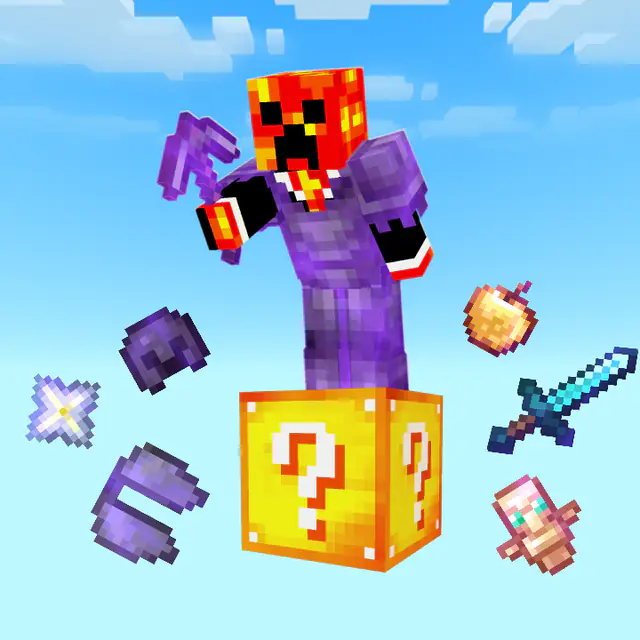
Armored character above a yellow question block with floating equipment

Reuse a series look

Save a Minecraft thumbnail maker project with its editable layers, then reopen it to change the episode title, character pose or featured building.

Export the version you chose

Download directly from the Minecraft thumbnail maker after your edits. PNG and JPEG exports give you a finished image to upload with your video.

Minecraft thumbnail maker questions

mcmaker logo

Start your next Minecraft thumbnail maker project

Choose your video’s main moment, arrange the characters and title, then download the cover and save the editable project for another episode.

Make your thumbnail