Skip to tool

NBT to schematic converter for Java structures

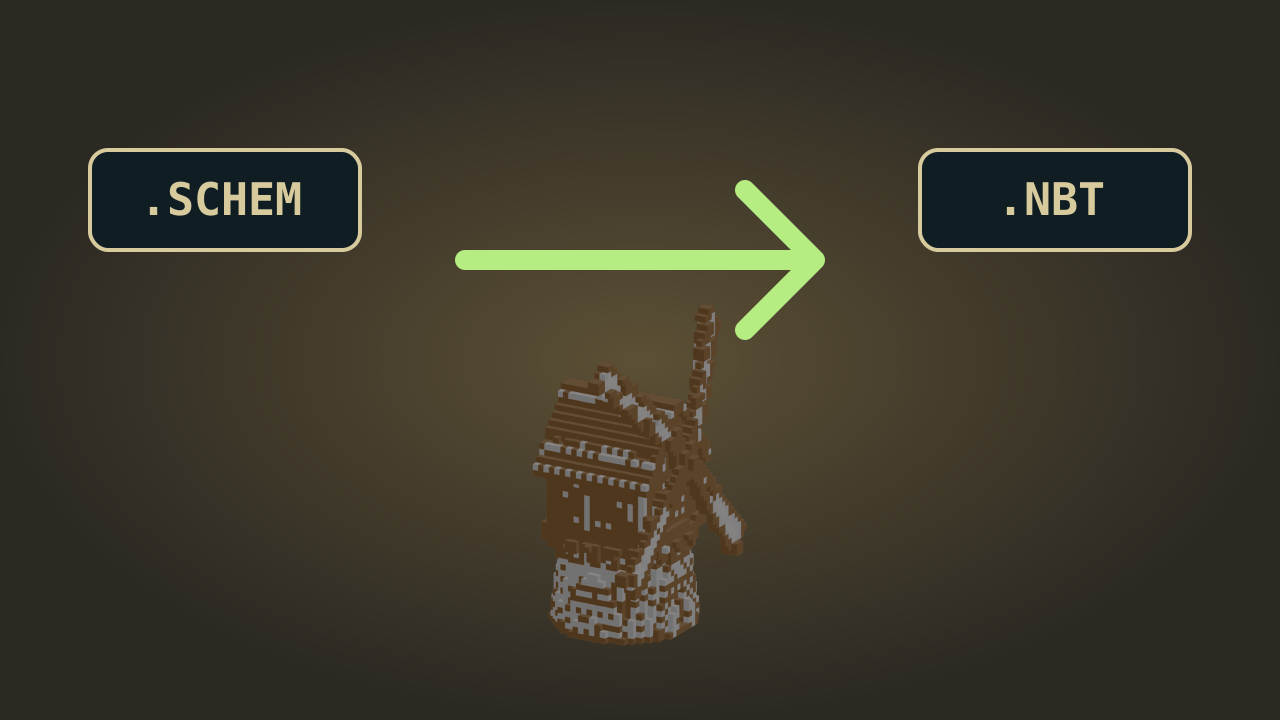
Move a Java structure into a modern WorldEdit workflow with NBT to schematic conversion. Open a supported .nbt file, inspect the blocks and material totals, then download a Sponge .schem file without uploading the structure or creating an account.

Loading your tools…
CHOOSE YOUR STRUCTURE01
Drop your .nbt file hereUp to 8 MB compressed
Up to 64 × 64 × 64 blocks
INPUTJava structure .nbt
↓
OUTPUTWorldEdit .schem v2

Files stay in your browser. No upload, account, or AI required.

Java Edition files only. This tool keeps block states and block entity data. Entities, biomes, multiple palettes, legacy MCEdit and Bedrock files are rejected explicitly.
PREVIEW & CONVERT02

YOUR BUILD GOES HERE

Choose a file to inspect its real block structure.

WorldEdit · //schem load & //paste
01Choose a supported Java file02Check the real 3D block preview03Convert and keep building

Check your NBT to schematic conversion visually

Use the NBT to schematic preview to recognize the structure, check dimensions and confirm its block count before downloading. This makes similarly named building files easier to distinguish.

Java structure input

woodland-cottage.nbt

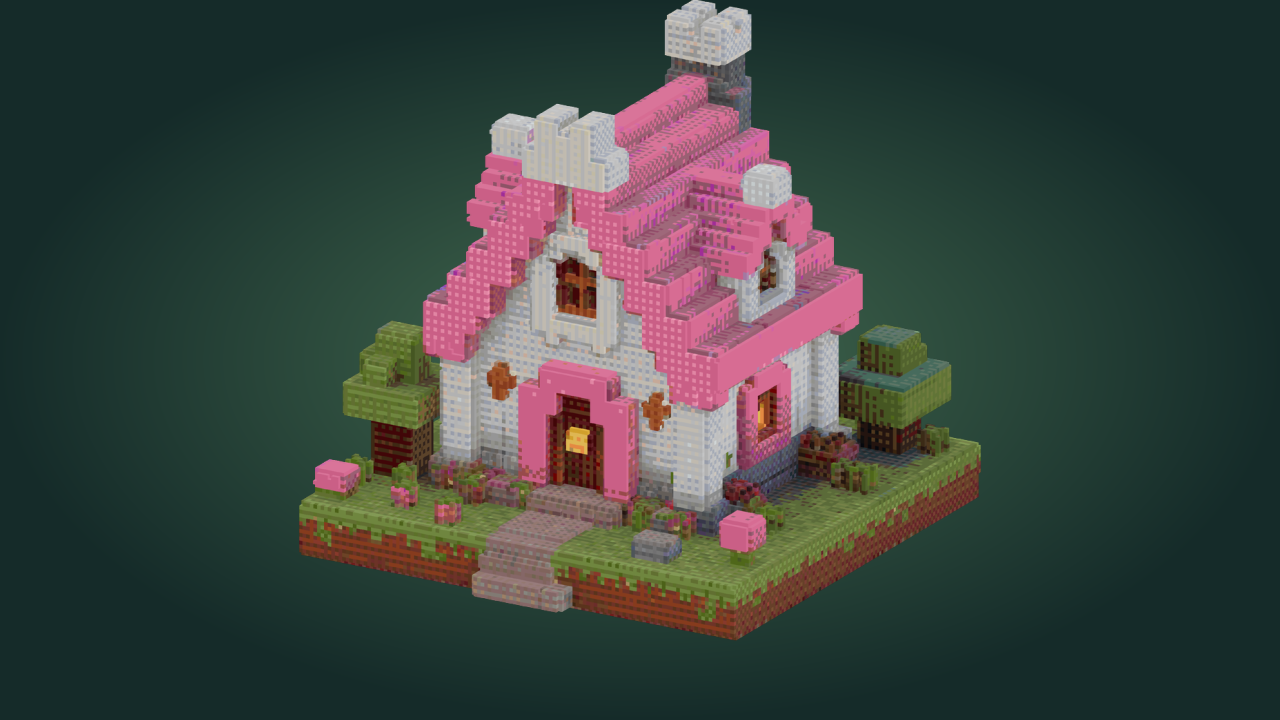
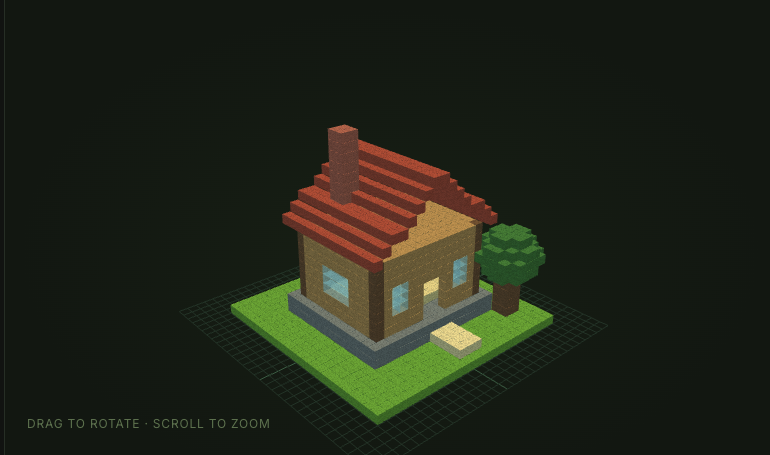
Woodland cottage
24 × 24 × 24 blocks
1,984 non-air blocks
Block states and block entities preserved
Convert your structure

Sponge schematic output

3D view of a 24 by 24 by 24 woodland cottage

How NBT to schematic conversion works

Convert your structure

Choose a Java structure file

Drop a supported .nbt file into the NBT to schematic converter or browse your device. The tool checks its format, size and dimensions.

Inspect the structure before converting

Rotate the preview and review the dimensions, block count and materials. Confirm that the visible structure is the one you intended to convert.

Download the modern schematic

Download the Sponge v2 .schem output and use a compatible modern building tool. Keep the original .nbt alongside your converted file.

Make NBT to schematic conversion easier to check

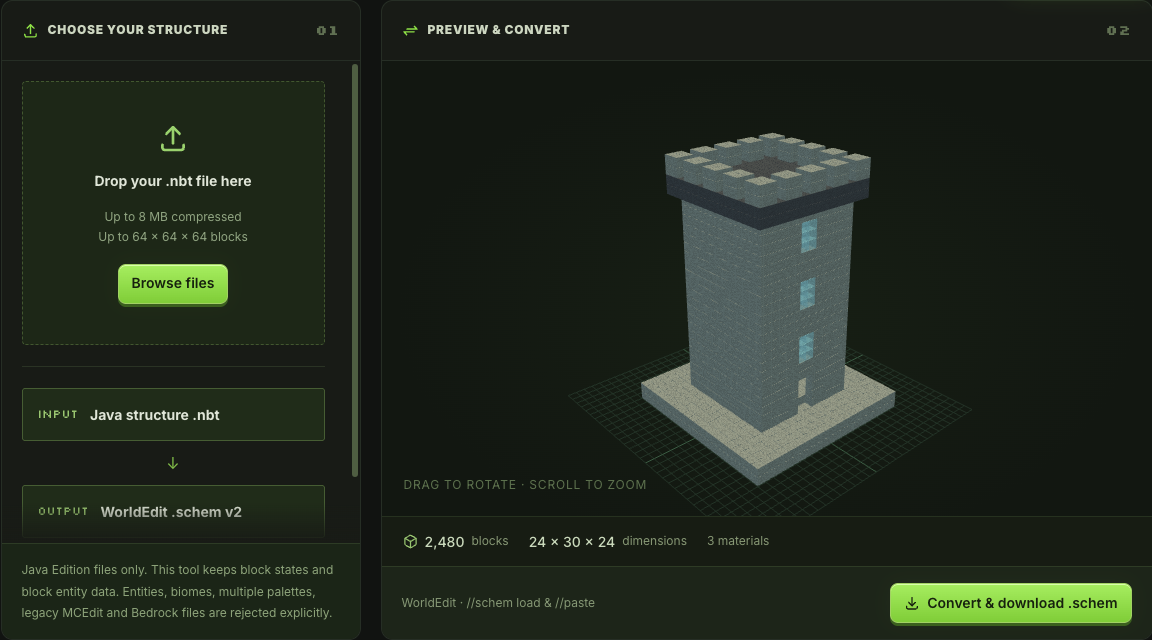
NBT to schematic converter showing an imported Java structure in 3D

Recognize the build before you download

The NBT to schematic converter shows the imported structure in a rotatable 3D view, with dimensions and block totals. Check the footprint and overall shape first. This is especially useful when several exported files have similar names on your device.

Preview an NBT file
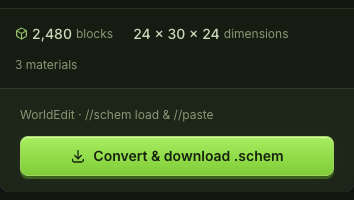

Structure block count, dimensions, material count and export controls

Keep the supported block details together

NBT to schematic conversion preserves supported block states and block entity data. Check material quantities alongside the 3D preview. Incompatible input produces a format error, so you can return to the original exporter and choose a supported structure.

Check the conversion

A practical NBT to schematic workflow

Use this converter when your structure already exists and you only need the matching file format. The preview helps you check the building without starting a new generation or rebuilding it.

Keep the structure on your device

Conversion runs in your browser and keeps the structure on your device. Open the local file, inspect it and download the format you need.

Choose the current WorldEdit format

The NBT to schematic download uses Sponge v2 .schem. Match that output with a modern compatible importer rather than renaming it to an older extension.

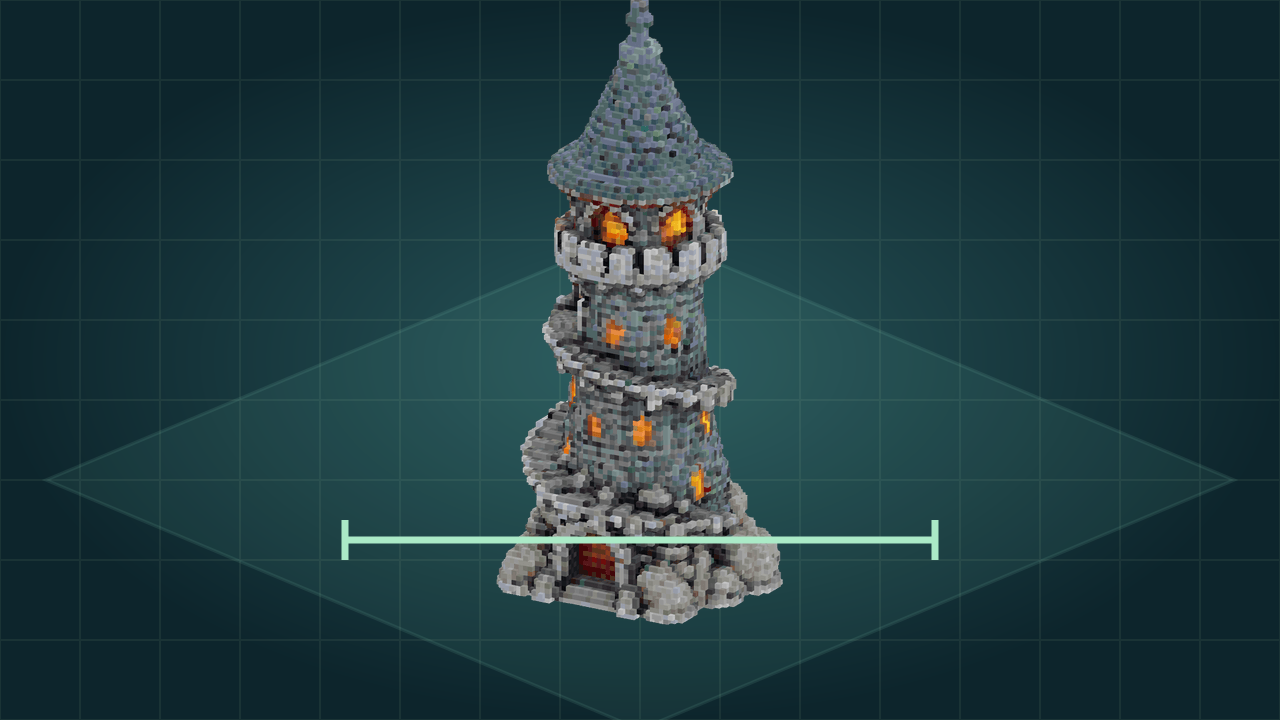
Stone tower with spiral balconies and glowing windows

Check a conversion before placing it

Use the NBT to schematic preview, dimensions and materials as a quick identification step before loading the output into a world with your building tool.

Convert without using generation credits

NBT to schematic conversion, preview and downloads are free and need no account. Save the converted file when you are ready to use it elsewhere.

NBT to schematic questions

mcmaker logo

Start your NBT to schematic conversion

Open the Java structure you want to keep, inspect its blocks and download a modern schematic for your next building session.

Convert your structure