Visible structure
Preview the actual blocks and materials, then use the layer editor to work on the details.
About mcmaker
A place to turn Minecraft ideas into editable builds, small Fabric mods, pixel text and useful game files. Focused Minecraft tools, built around Java Edition 1.21.1.
“A Minecraft idea should become something you can inspect, edit, and take into your world.”
Why mcmaker
Planning a Minecraft project involves more than choosing its shape. There are layers to arrange, materials to check, details to revise, and files to prepare for the tools you use. mcmaker brings those steps into focused workspaces that keep the structure itself within reach.
Our tools cover AI build generation, layer-based planning, schematic making, small Fabric mods, pixel text, item commands, and conversion in both directions between Java NBT and Sponge schematics. Start with a description, a template, an imported structure, or your own manual edits.
The current tools target Minecraft Java Edition 1.21.1. Inspect the actual blocks, choose materials, and revise the result before exporting. Building and mod projects can be saved privately to your account or downloaded as project files so you can keep working on them later.
Tools for your next world
Each workspace handles a specific part of a Minecraft project, with editable results and practical downloads. Choose the tool that fits the work in front of you.
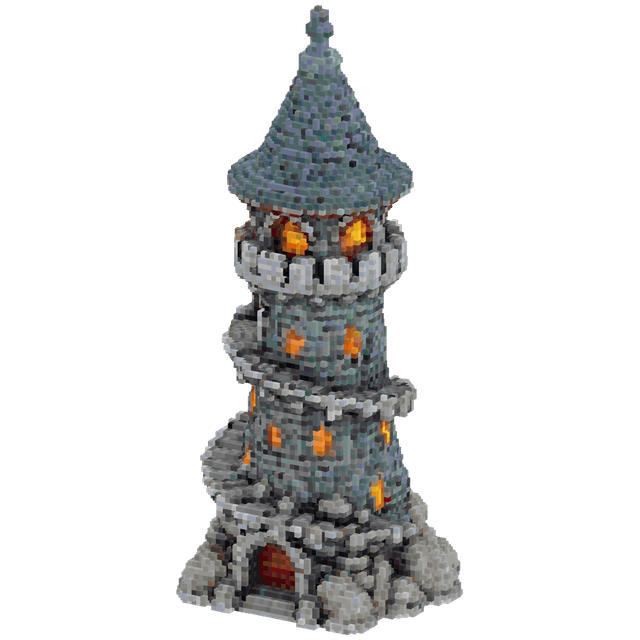
Describe a structure, inspect its voxel preview, edit individual blocks, check the material list, and export a supported build file.
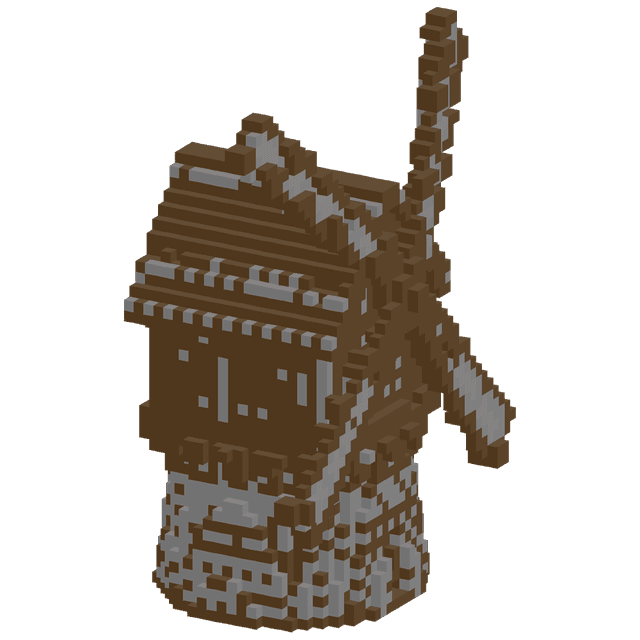
Plan a structure on an editable grid. Place or erase blocks, draw rectangles, change materials, and undo changes while you work.
Create custom items and full-cube blocks with supported effects and recipes. Edit the project, then export a Fabric JAR or source ZIP for Java 1.21.1.
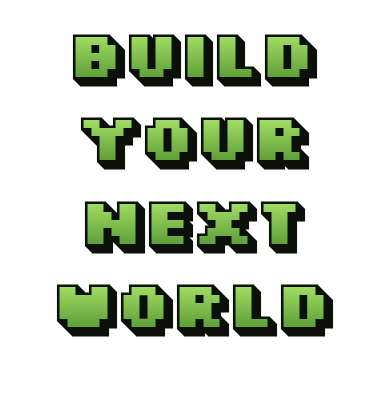
Style multi-line pixel lettering with colors, outlines and depth. Download a transparent PNG or copy a tellraw text command.
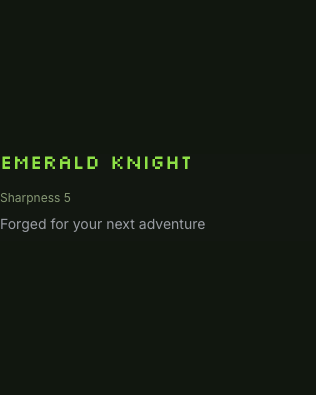
Choose a Java 1.21.1 item, add a name, lore and enchantments, and copy or download the resulting /give command.
Convert a supported Java NBT structure into a Sponge .schem file. Inspect the parsed blocks and dimensions before downloading the converted result.
Our approach
mcmaker is built around editable structures and useful files. AI can provide a starting point, and the workspace lets you decide what to keep, change or build by hand.
Preview the actual blocks and materials, then use the layer editor to work on the details.
Take supported build files, Fabric mods, text images and commands into the matching Java workflow.
Manual editing, pixel text, item commands and format conversion do not consume AI credits.
Keep your own palette, revise the layout, and save a project file when you want to continue later.
Describe a Minecraft structure or start shaping a schematic. Inspect, edit and export when the project is ready for your next step.
Have a question about a tool or a project? support@mcmaker.online