Skip to tool

Minecraft build planner for editable blueprints

Plan a footprint, build upward and check materials before opening your world. The Minecraft build planner lets you edit layers and inspect the shape in 3D, starting from a template, an imported structure or an empty canvas.

Loading your tools…
PLAN YOUR BUILD01
0 / 2,000
Build size
Maximum blocks on each axis
START WITH A BLUEPRINT
Cost1 credit
Local draft
EDITABLE EXAMPLE
24 × 24 blocks

Click a cell to edit. Dim blocks show the layer below.

Selected: oak planks
1,984blocks24 × 24 × 24dimensions10 materials
01Describe or start with a template02Inspect and edit every layer03Download and build in your world

See your Minecraft build planner decisions take shape

A footprint is easier to judge when you can see the structure it supports. Use the Minecraft build planner to connect a floor layout, rising walls and a roof instead of keeping separate sketches.

Layout decisions

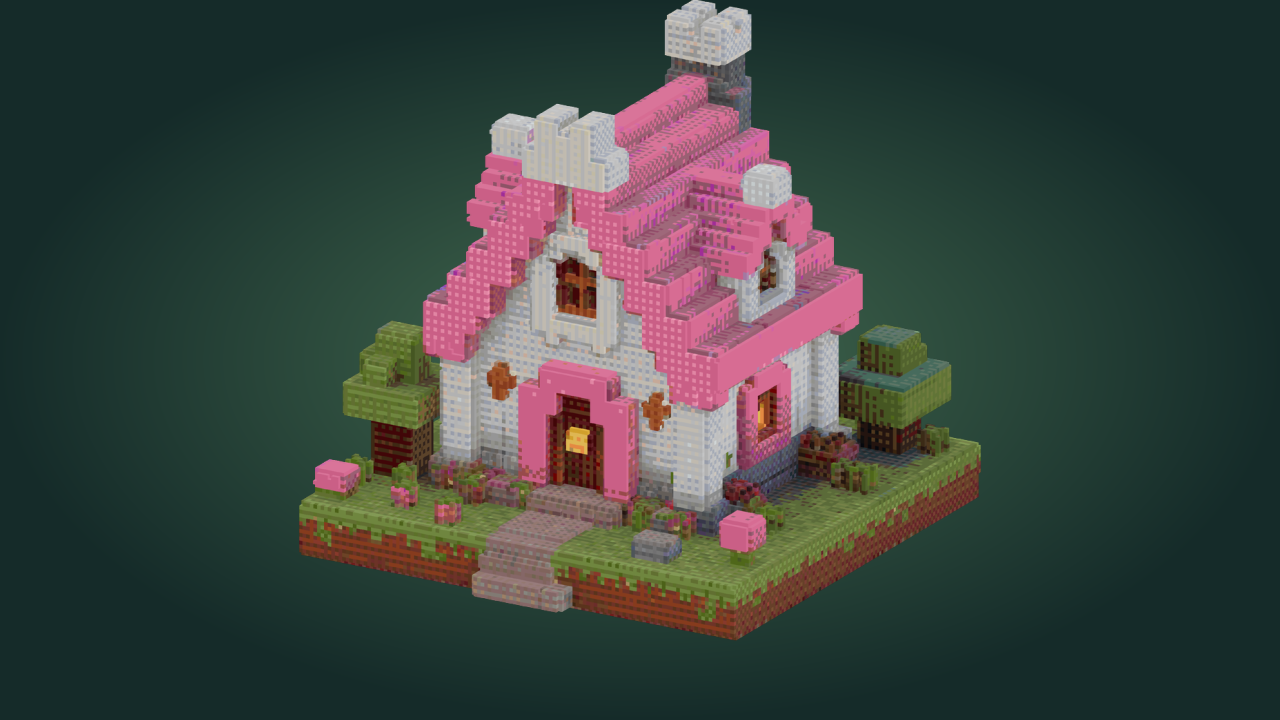
Start with the woodland cottage template. Inspect the footprint, move through the layers, and check the block palette before building.
Plan your build

Editable building plan

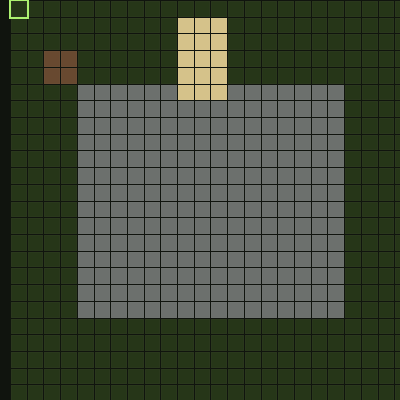
Complete first horizontal layer of the editable woodland cottage plan

How to use the Minecraft build planner

Plan your build

Choose where the plan begins

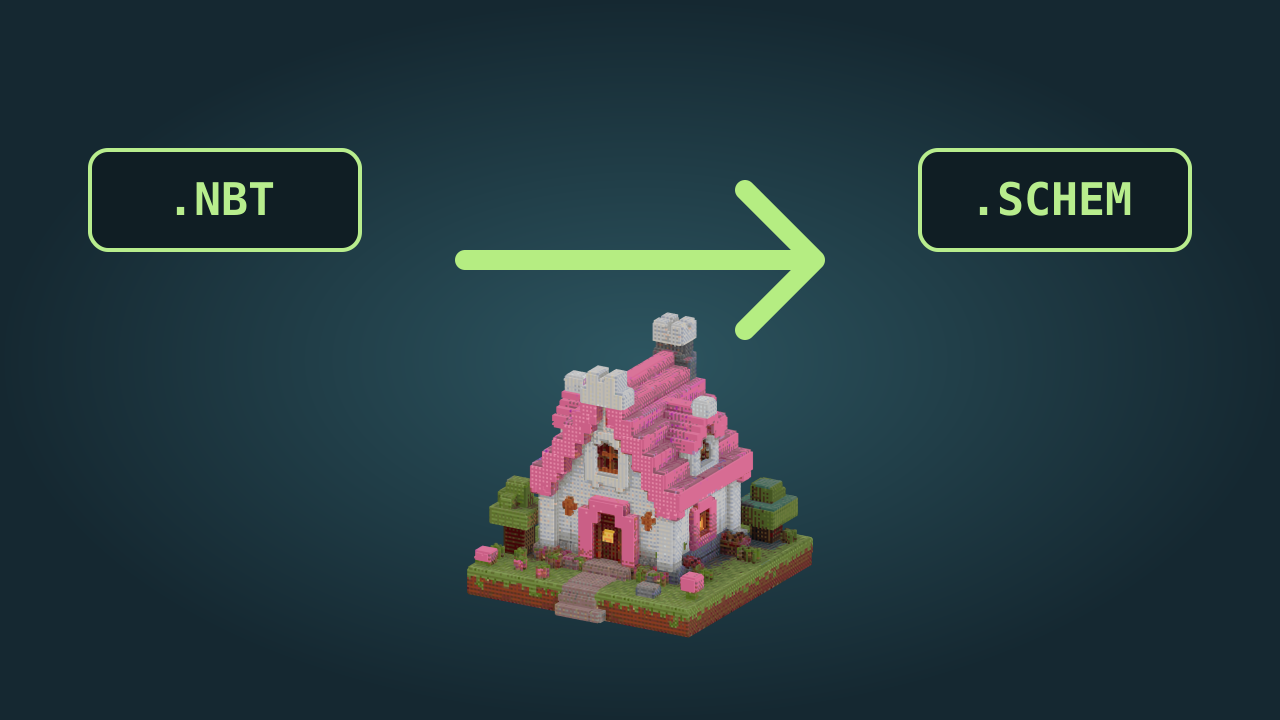
Open a template, import a supported Java structure or choose an empty canvas in the Minecraft build planner to begin laying out blocks.

Build one layer at a time

Select the height and block material, then place, erase or fill rectangles. Inspect the lower layer to keep walls and openings aligned.

Check materials and keep the plan

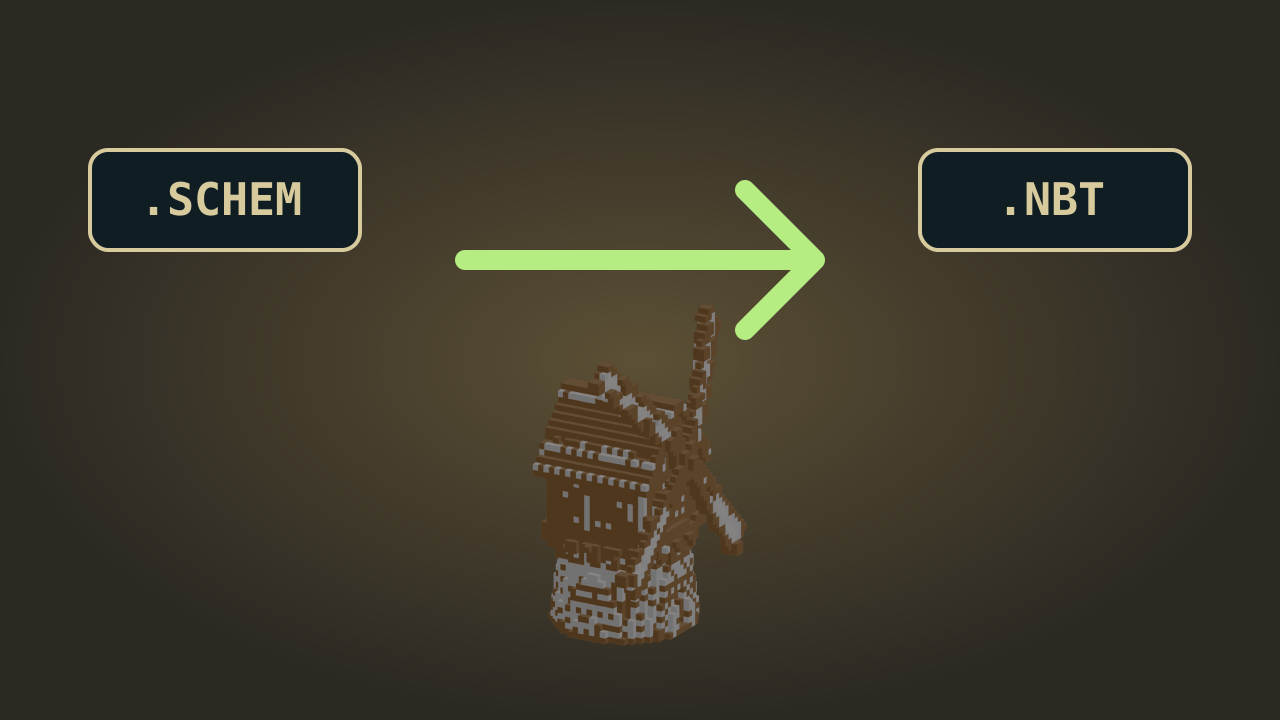
Review the 3D shape and material totals, then export a structure file or save the editable project for another planning session.

Minecraft Build Planner: Blueprints and Materials

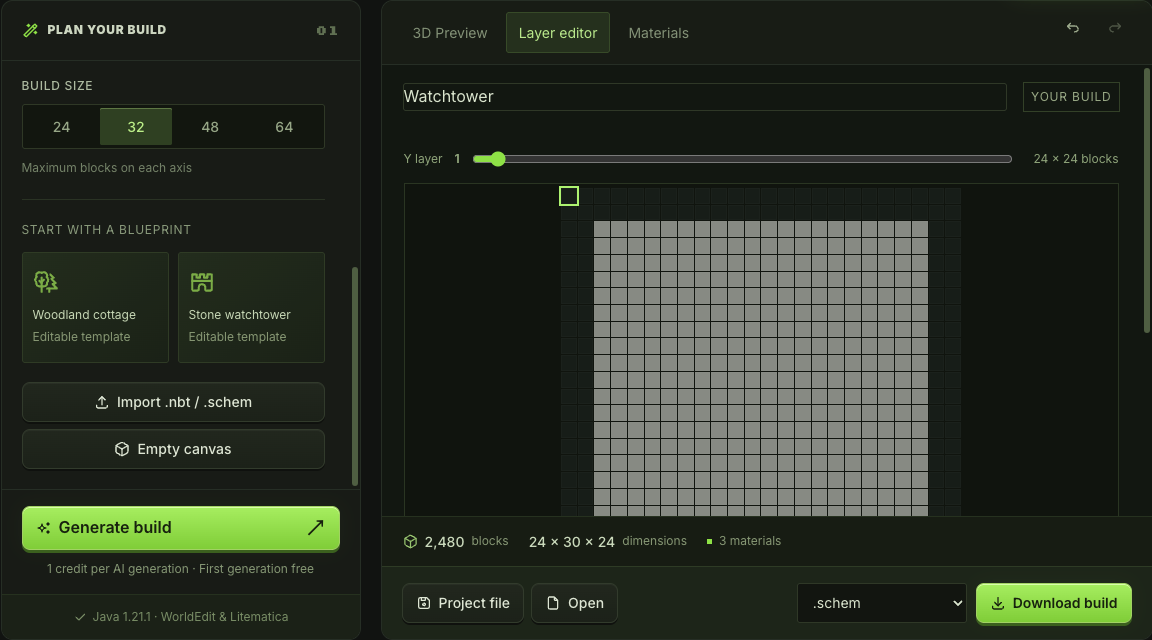
Watchtower layer 1 grid with Y layer slider

Plan clear paths through your build

Use the Minecraft build planner to mark walls, entrances and room boundaries on horizontal layers. The faint layer below helps you maintain alignment as you work upward. Rotate the 3D view to judge whether the footprint supports the building.

Edit a floor plan
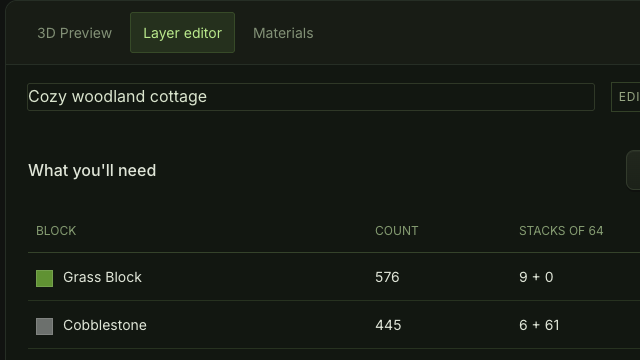
Materials tab listing block names and quantities for the current building

Check the materials behind your blueprint

The Minecraft blueprint maker counts blocks in the current structure. Review quantities as you change a wall or roof, then download the materials CSV to prepare supplies for that version of your plan.

Check the materials

Make decisions before building in your world

The Minecraft build planner gives a small design a place to develop. Explore the footprint, notice awkward gaps and keep a usable plan while changes are still easy to make.

Judge the whole shape

Switch between a layer and the 3D preview in the Minecraft build planner to check how a local edit changes the building.

Adapt a starting structure

Start with a cottage or watchtower template, then change its blocks and openings to suit your site.

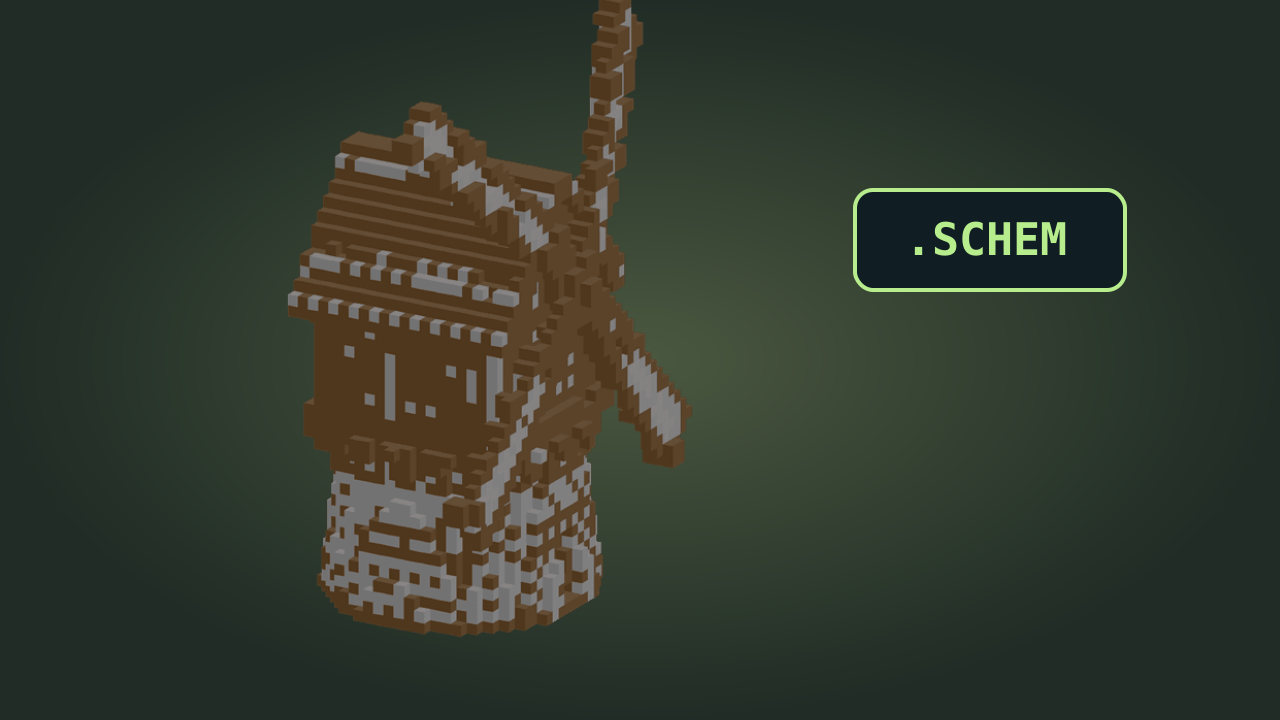
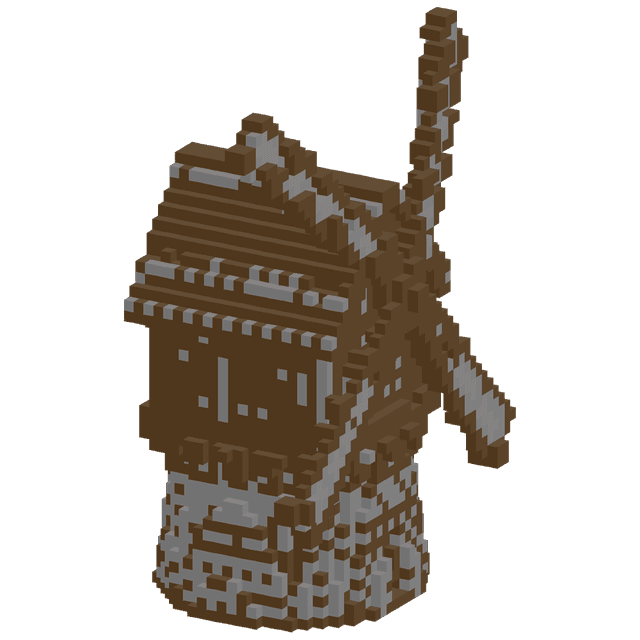
Rustic wooden windmill with sails on a stone base

Prepare a practical supply list

Material totals follow the current plan. Use the Minecraft build planner before gathering blocks so you can see the quantities your chosen design needs.

Keep your planning work editable

Save the project file rather than only a finished export. Reopen it to adjust another level, change materials or extend a planning session.

Minecraft build planner questions

mcmaker logo

Open your Minecraft build planner

Use the Minecraft build planner to start with a footprint, work upward through the layers and keep a blueprint ready for your next building session.

Plan your build