Minecraft skin animator for editable GIF and WebM

Give your character a greeting, a stride or a short action moment. The Minecraft skin animator combines editable poses and camera keyframes, so you can shape the motion, preview its timing and download the finished clip.

Animate your skin01
Start with a motion
Start with a pose
Local draft
Loading character…Drag to orbit · use Camera to frame your render
0.00 / 2.40 s

From one pose to a moving character

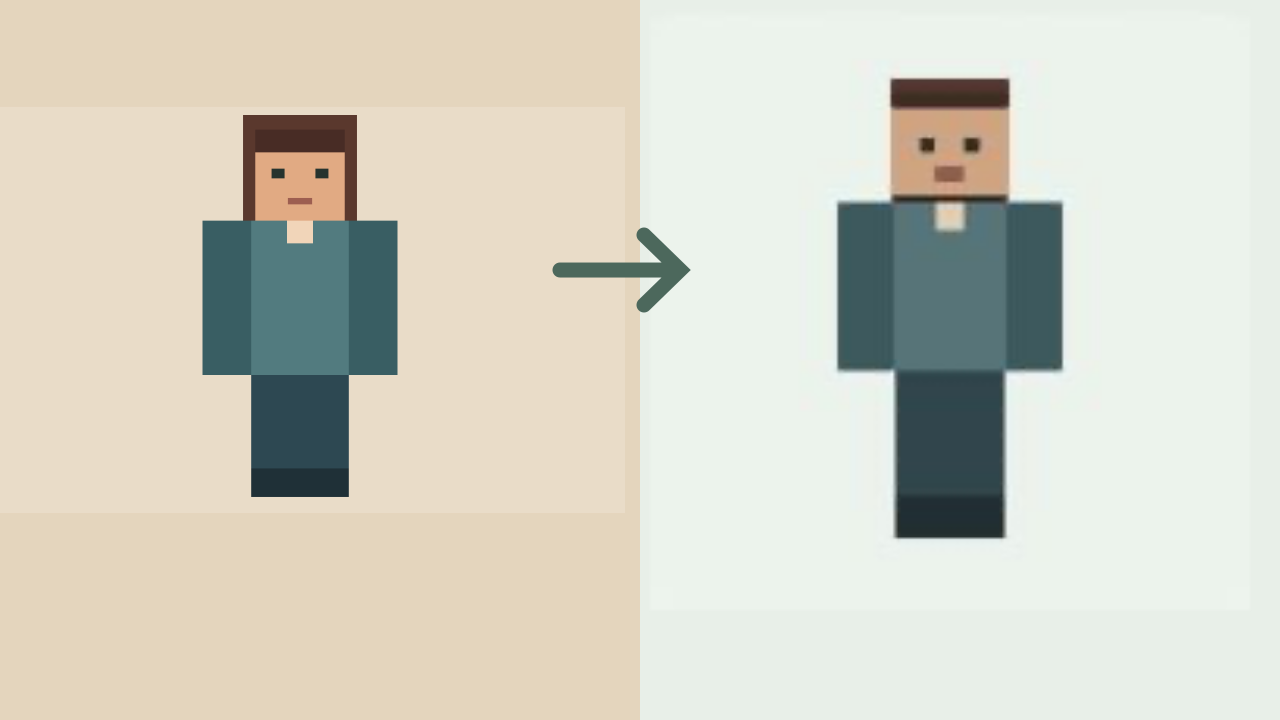
Use the Minecraft skin animator to shape the beginning, movement and ending of a short action. Compare the starting skin with the clip, then preview the full sequence to judge its timing.

Skin texture

Classic player skin used for the waving character

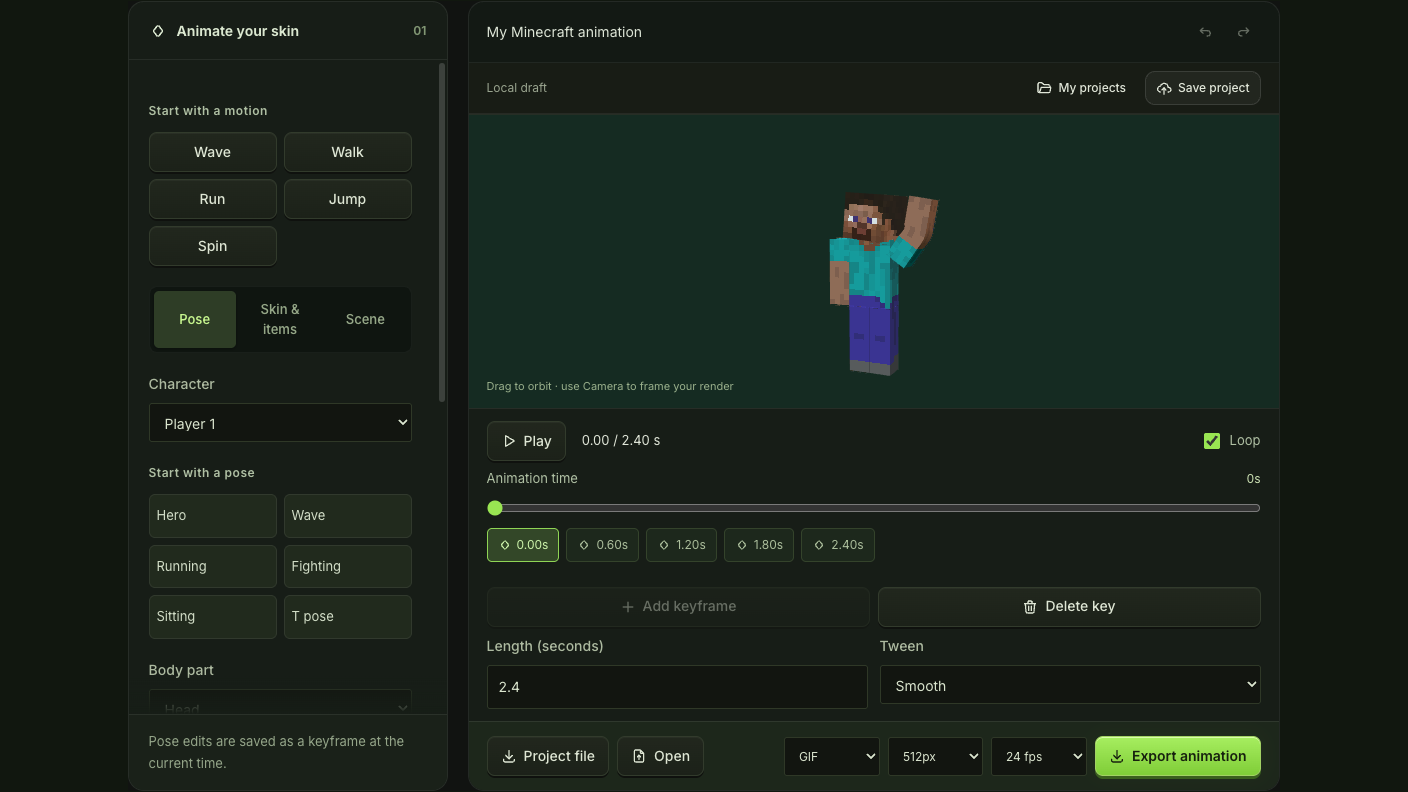
Start with a Classic player skin, keep the camera steady and animate a short wave. Preview the movement before choosing the timing of your export.

Short character animation

How the Minecraft skin animator works

Animate your skin

Choose a skin and motion

Load your character into the Minecraft skin animator and choose Wave, Walk, Run, Jump or Spin as an editable starting sequence.

Shape the key poses

Move along the timeline, change joints or camera settings and add keyframes. Preview Minecraft skin animator transitions to check the pace of each gesture.

Export the finished sequence

Set the clip size, frame rate and GIF or WebM format, then export the Minecraft skin animator sequence once its timing feels right.

Build motion from poses you can control

Animation timeline with selected character pose and joint controls

Turn a preset into your own performance

Begin with a familiar action and edit the character’s joints at selected times. The Minecraft skin animator stores pose and camera keyframes, letting you change the height of a wave or framing of a jump without rebuilding every frame.

Edit the keyframes
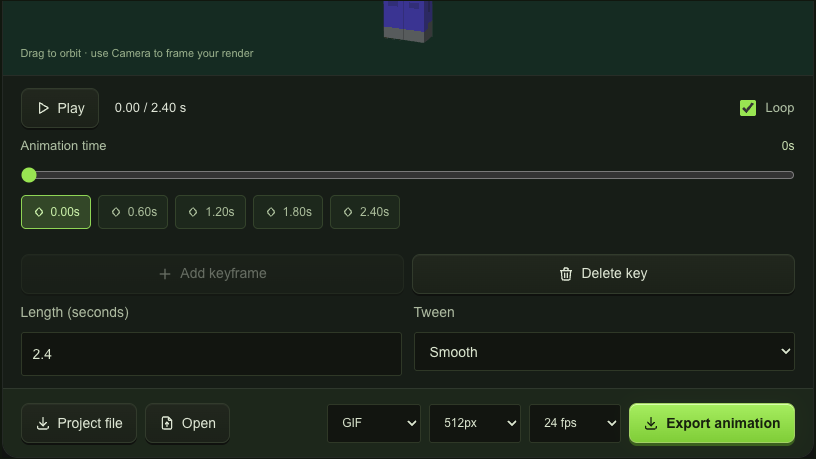
Selected keyframe, duration, tween and export settings in the timeline

Choose how one moment reaches the next

Choose smooth transitions for flowing gestures, linear movement for even changes or hold to keep a pose until the next key. The Minecraft skin animator combines interpolation and timing to control how each moment reaches the next.

Shape the motion

Make a short action worth watching

Keep posing, camera framing and playback in one workspace. The Minecraft skin animator lets you compare timing changes, inspect gestures and refine the movement before exporting a short character clip.

Start with recognizable movement

Minecraft skin animator presets establish a short action first, leaving you to personalize the pose and timing for your own character and intended scene.

Check movement between the keys

Play and pause the Minecraft skin animator preview to spot crossed limbs, sudden camera changes or a gesture that needs a little more time.

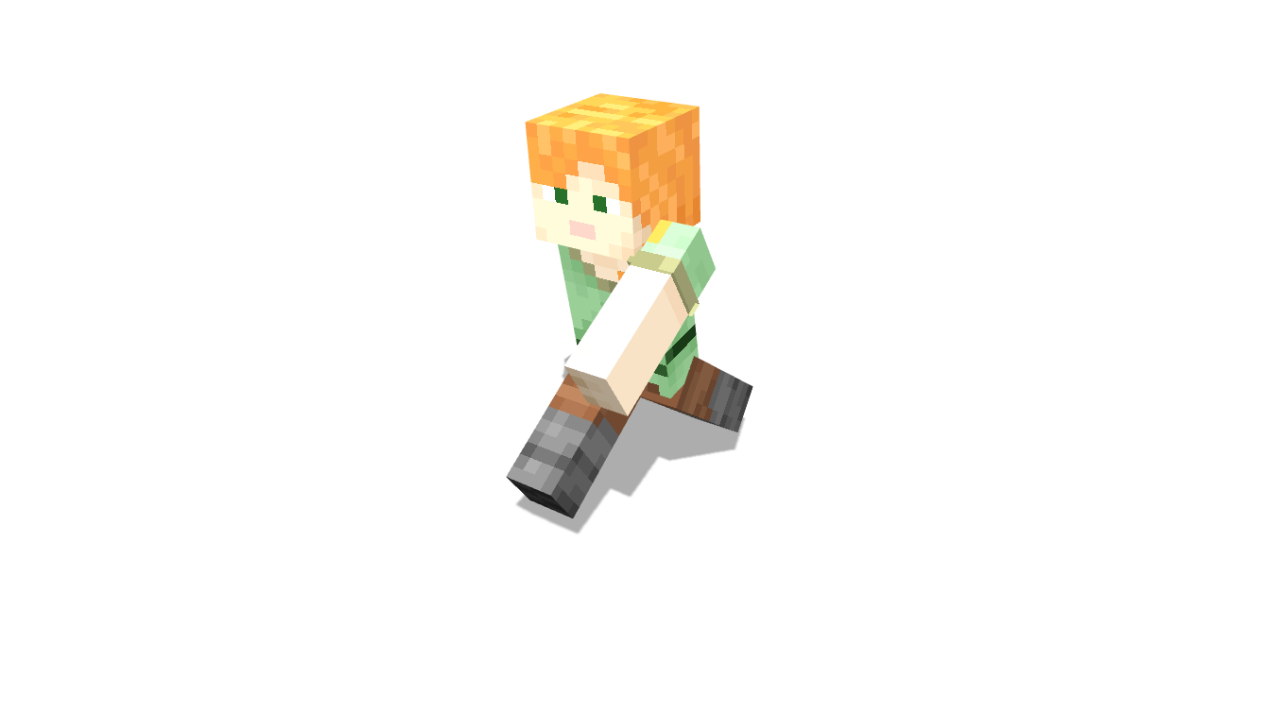
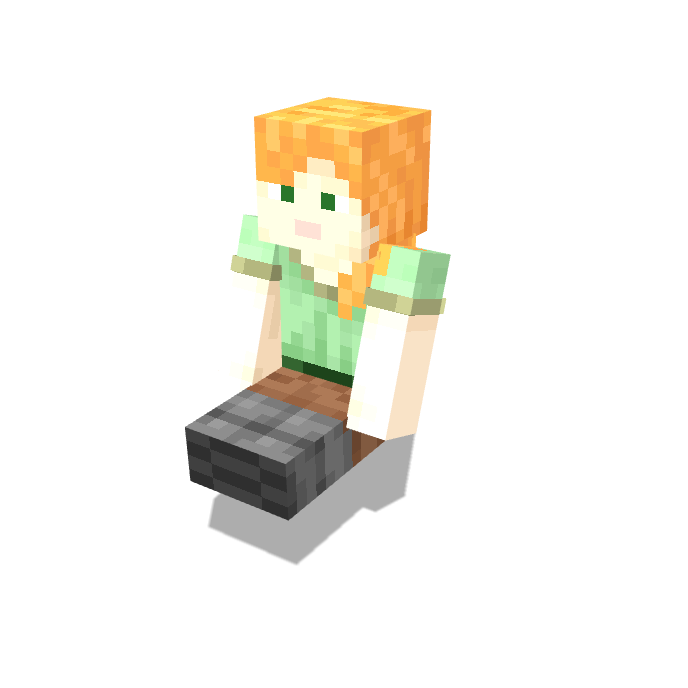
Orange-haired Minecraft character in a seated pose against a white background

Coordinate a small cast

Keep up to six players in a Minecraft skin animator scene and shape their poses within the same clip for a shared greeting or action.

Keep the motion editable

Save the Minecraft skin animator project alongside your finished clip, so you can revise a key pose or export another size when the placement changes.

Minecraft skin animator questions

mcmaker logo

Start your next Minecraft skin animator clip

Choose a motion, make the key poses your own and export a short character clip with timing you have checked.

Animate your skin