Minecraft icon maker for 64×64 server icons

Give your server a small image players can recognize. The Minecraft icon maker combines a square crop, editable text and image layers, plus an actual-size preview, so you can download a clear 64×64 server icon.

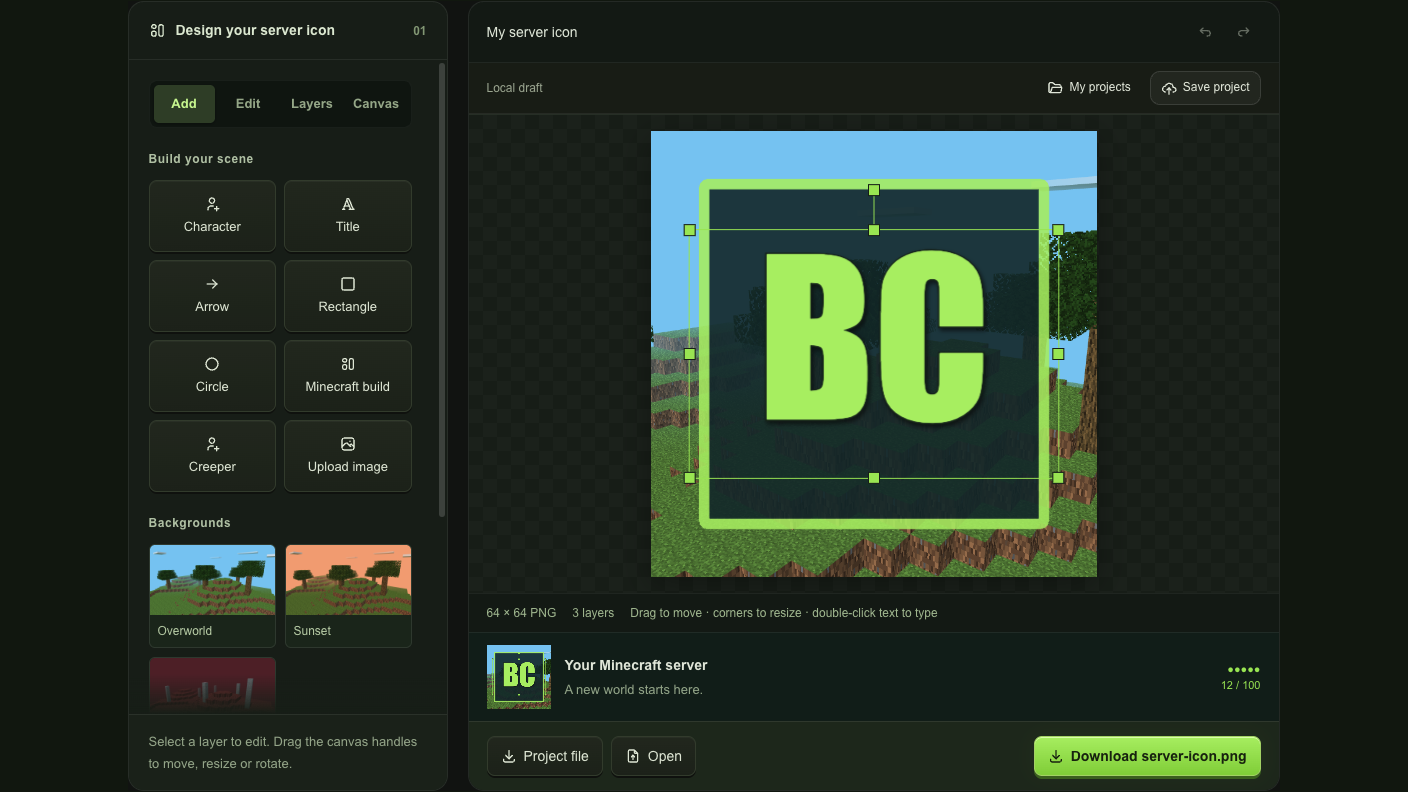
Design your server icon 01
Build your scene
Backgrounds
Editable starting points

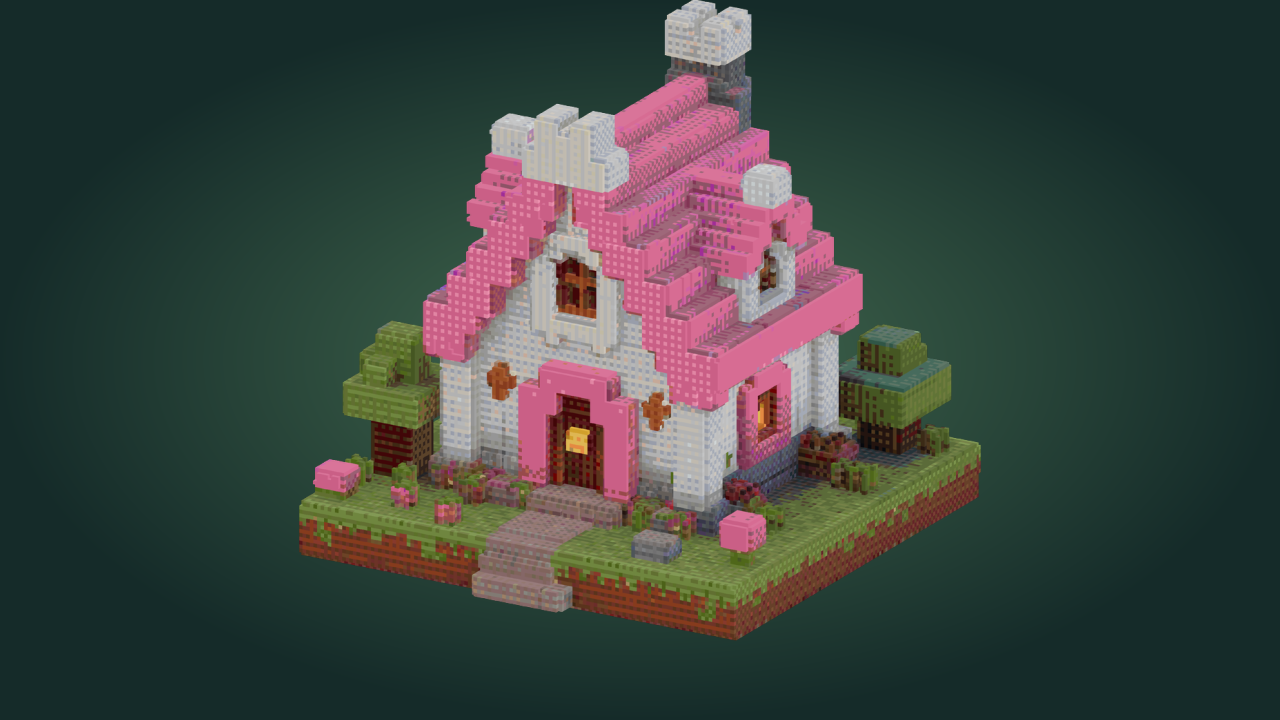
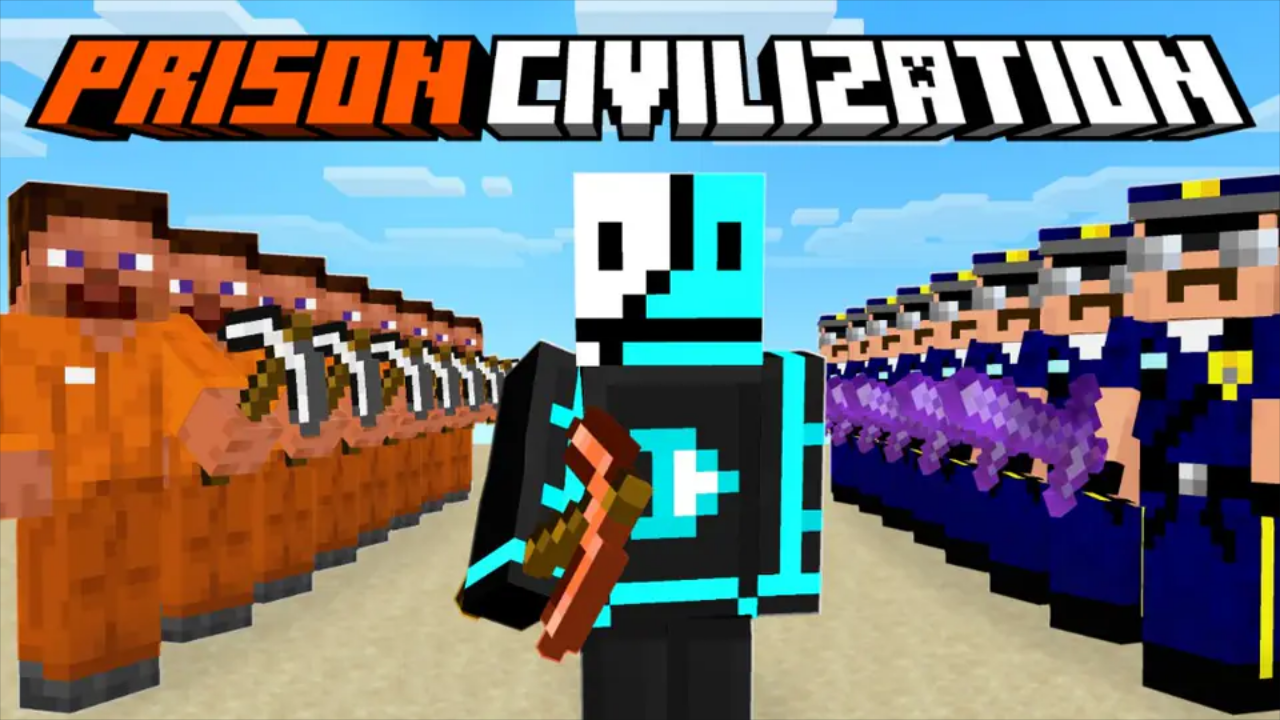
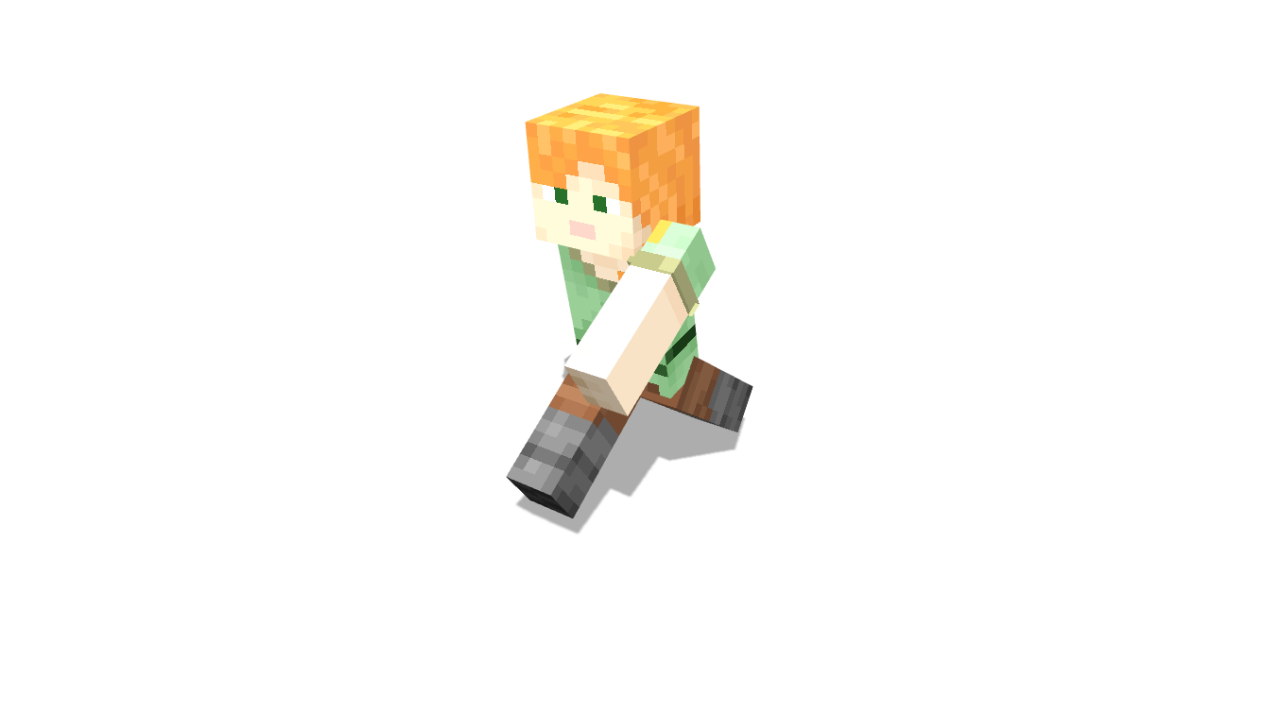
Add your skin as a 3D character, or upload a screenshot from your world.

Local draft
64 × 64 PNG3 layersDrag to move · corners to resize · double-click text to type
Your Minecraft serverA new world starts here.
●●●●●
12 / 100

From a full picture to a readable icon

A wide scene needs a deliberate crop to work in a server list. Use the Minecraft icon maker to choose the subject, simplify the composition and check what remains recognizable when the finished image is only 64 pixels wide.

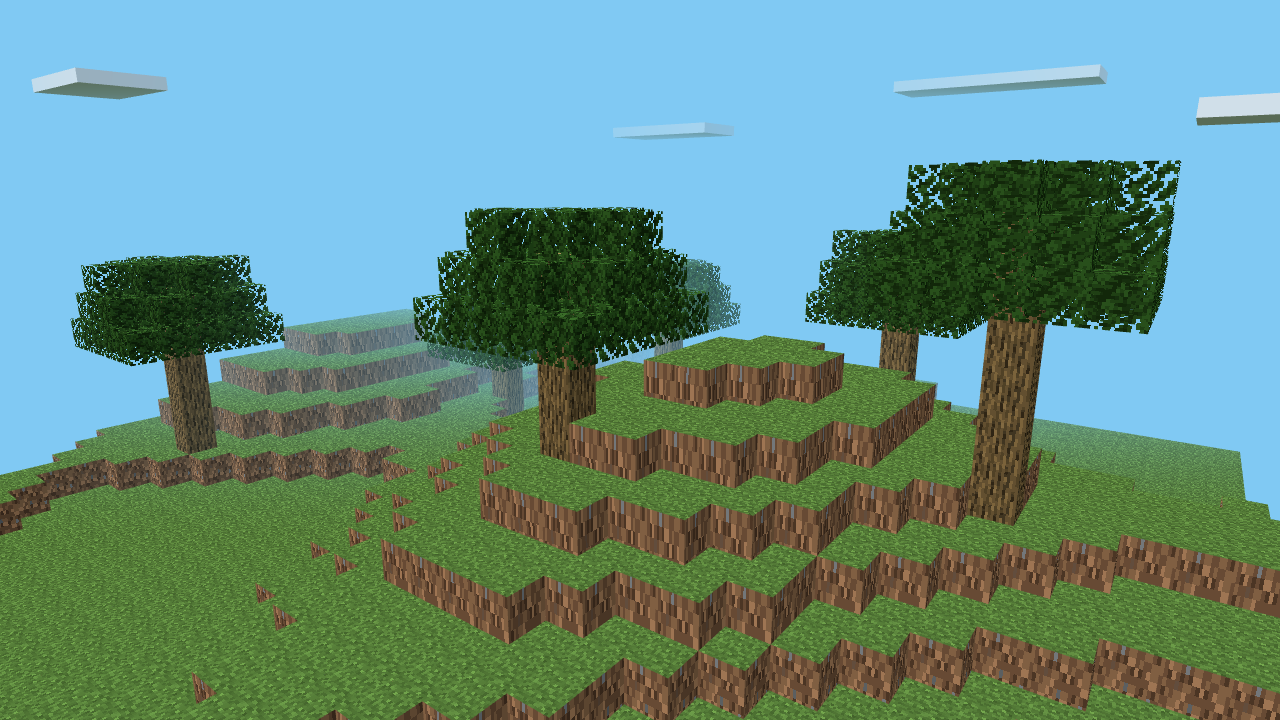
Original picture

Wide grassy block landscape before the square icon crop

A wide landscape contains more detail than a server list can show. Crop the central block hill to a square, then resize it to 64 pixels.

64×64 icon

64 by 64 server icon showing the cropped grassy block landscape

How the Minecraft icon maker works

Make your icon

Choose the server’s visual starting point

Upload an image or choose a background in the Minecraft icon maker. The square canvas gives your server-list design a fixed shape.

Build a simple recognizable mark

Add short initials, a character or a shape. Arrange Minecraft icon maker layers and check the actual-size preview while you simplify the design.

Download the server icon PNG

Export from the Minecraft icon maker to get a 64×64 file named server-icon.png, ready to place in the appropriate server folder.

Design for the space a server icon gets

Square image crop beside a 64-pixel server-list preview

Frame the part players should recognize

Upload a scene and start with its centered square crop. Reposition and resize the image layer in the Minecraft icon maker so a landmark or face fills the small canvas. Check the 64-pixel preview as you adjust the framing.

Crop your picture
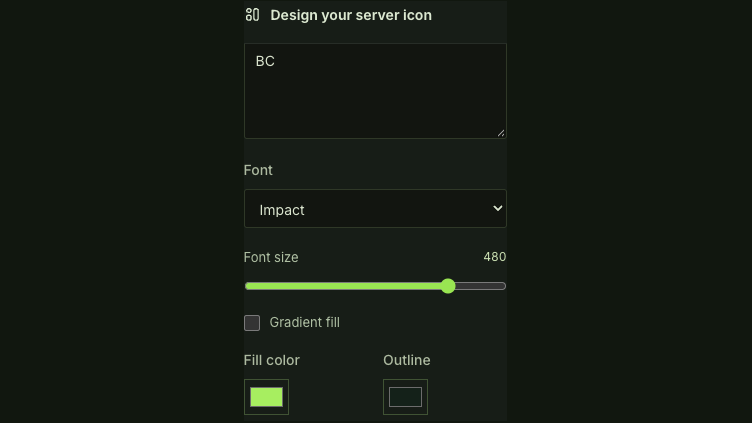
Editable server initials with font, size, fill and outline color controls

Add initials without flattening the whole design

Keep text, shapes and images on separate layers, then adjust their scale and order. The Minecraft icon maker provides text effects and character renders, while the saved project preserves those pieces for later revisions.

Arrange your icon

Make a small icon carry a clear identity

The server list gives artwork very little room. The Minecraft icon maker helps you judge the design where it will be seen, with a 64-pixel preview beside the editable canvas and a matching PNG export.

Judge the result at its real size

Keep the Minecraft icon maker actual-size preview in view while editing, so thin lettering and small details reveal themselves before you download the file.

Keep the subject easy to find

Move and scale the main image in the Minecraft icon maker until one landmark, face or symbol remains distinct within the square crop.

Green Creeper face mark with a dark background

Revise a seasonal server look

Save a Minecraft icon maker project with editable layers, then change the background or initials later while keeping the recognizable parts of the design.

Receive the expected icon file

The Minecraft icon maker exports a 64×64 PNG with the server-icon.png filename, so the download matches the server-list image format you are preparing.

Minecraft icon maker questions

mcmaker logo

Start your next Minecraft icon maker design

Choose one recognizable subject, check it at 64 pixels and download a server icon that gives your world a clear identity.

Make your icon