Skip to tool

Minecraft generator for editable AI builds

Turn a building idea into an editable block structure. This Minecraft generator combines a text prompt, 3D preview and layer editing, so you can shape a cottage, tower or base before exporting it.

Loading your tools…
CREATE YOUR BUILD01
0 / 2,000
Build size
Maximum blocks on each axis
START WITH A BLUEPRINT
Cost1 credit
Local draft
EDITABLE EXAMPLE
LIVE BLOCK PREVIEW
DRAG TO ROTATE · SCROLL TO ZOOM
1,984blocks24 × 24 × 24dimensions10 materials
01Describe or start with a template02Inspect and edit every layer03Download and build in your world

Minecraft Build Generator: From Brief to Blocks

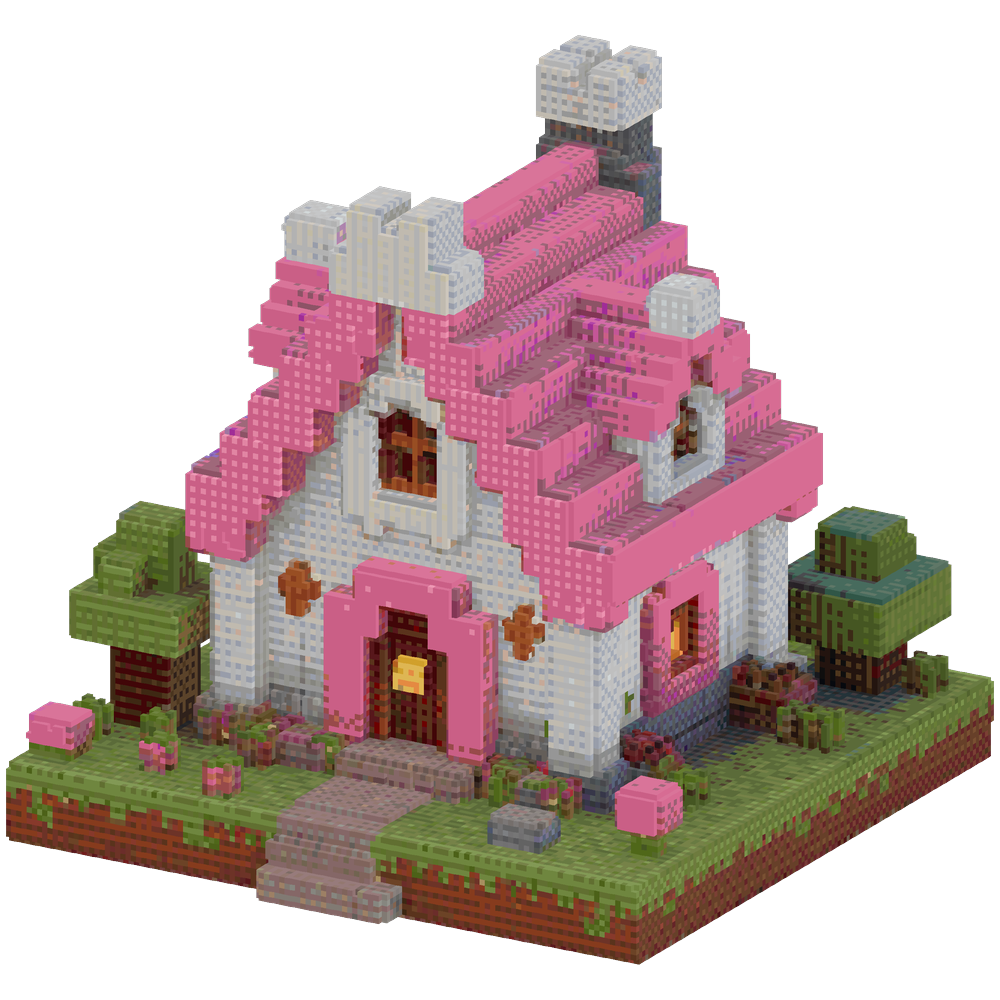
Compare a compact cottage brief with its corresponding building example. Materials, footprint and roof shape help you decide what to ask of a Minecraft generator before creating and editing your own structure.

Building brief

Build one compact fantasy cottage with pink and white walls. Keep the entire structure within 30 blocks wide, 35 deep and 18 tall. Focus on a single house with a pitched roof and a small garden.
Start your build

Block structure

Pink and white fantasy cottage with a pitched roof and a small garden

How the Minecraft generator works

Start your build

Describe a useful starting point

Tell the Minecraft generator what to build, choose a palette and set the maximum size for your available space.

Inspect and shape the blocks

Inspect the Minecraft generator result, check each layer and use place, erase or rectangle tools to change the structure before exporting.

Take the build into your world

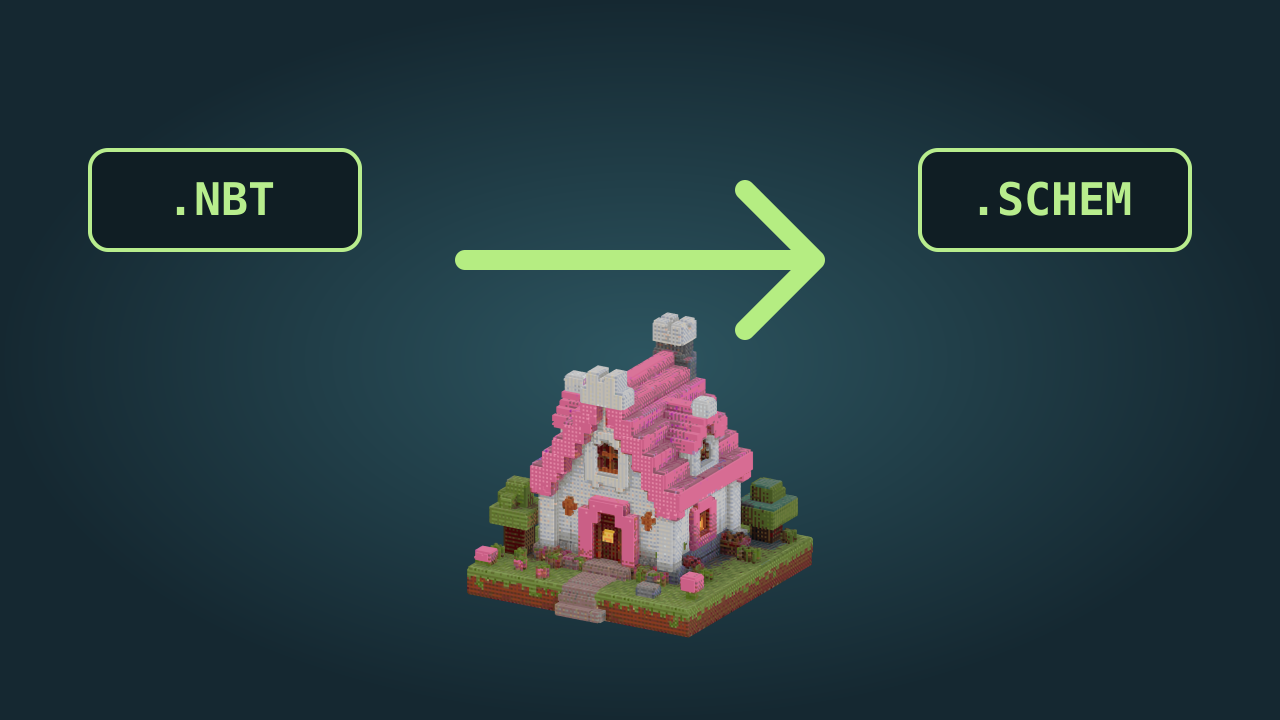
Choose the matching Java file format, download the current Minecraft generator structure and place or follow it with your preferred building tool.

From Minecraft AI builder to your own design

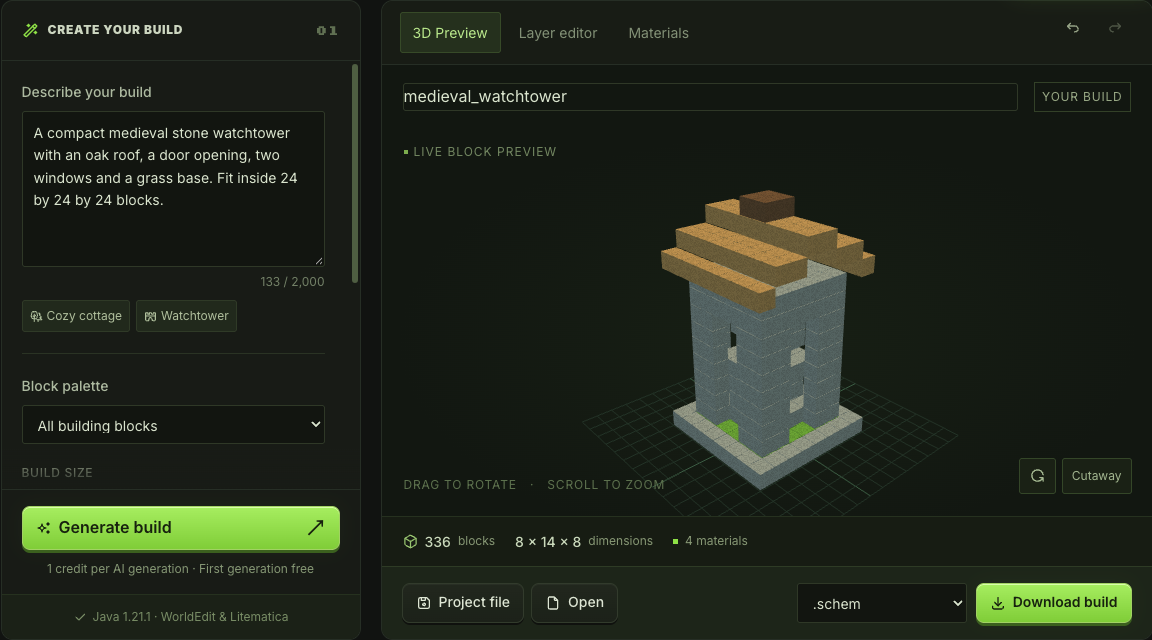
Build prompt, palette and size beside the editable 3D workspace

Give your Minecraft AI build generator direction

Name the building, materials and important spaces in one brief. The Minecraft generator uses your selected size and palette to produce an editable starting point. A focused prompt helps you judge the result against a real plan.

Try a building brief
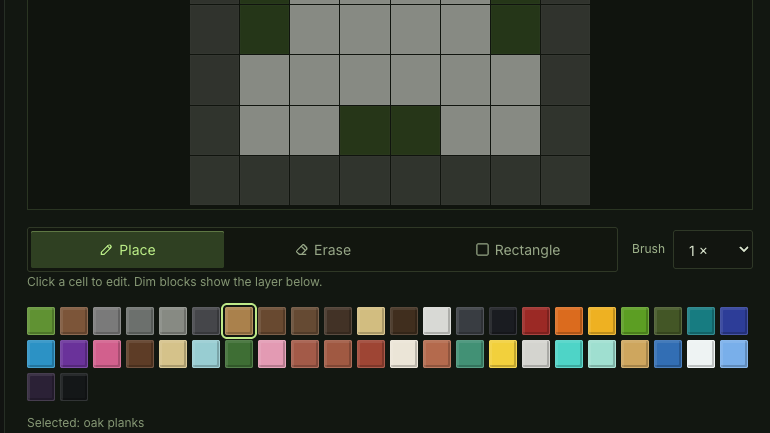

Layer editor with placement tools and a selected block palette

Refine the Minecraft generator result by layer

Switch from the overall shape to a single horizontal slice. Change individual blocks, paint a rectangle or undo an edit, then check the material list. The Minecraft generator keeps those changes in the structure you download.

Edit the layers

Choose an editable Minecraft generator

An appealing silhouette is only the beginning. This Minecraft building generator gives you control of the footprint, block choices and export so the result supports the world you are already building.

A Minecraft structure generator with room for details

Use a Minecraft generator for the initial shape, then concentrate on entrances, rooflines and the details that make a build fit its surroundings.

Work from blocks you can inspect

The Minecraft generator returns a block structure with dimensions and material counts, making it easier to check the plan before placing it in a world.

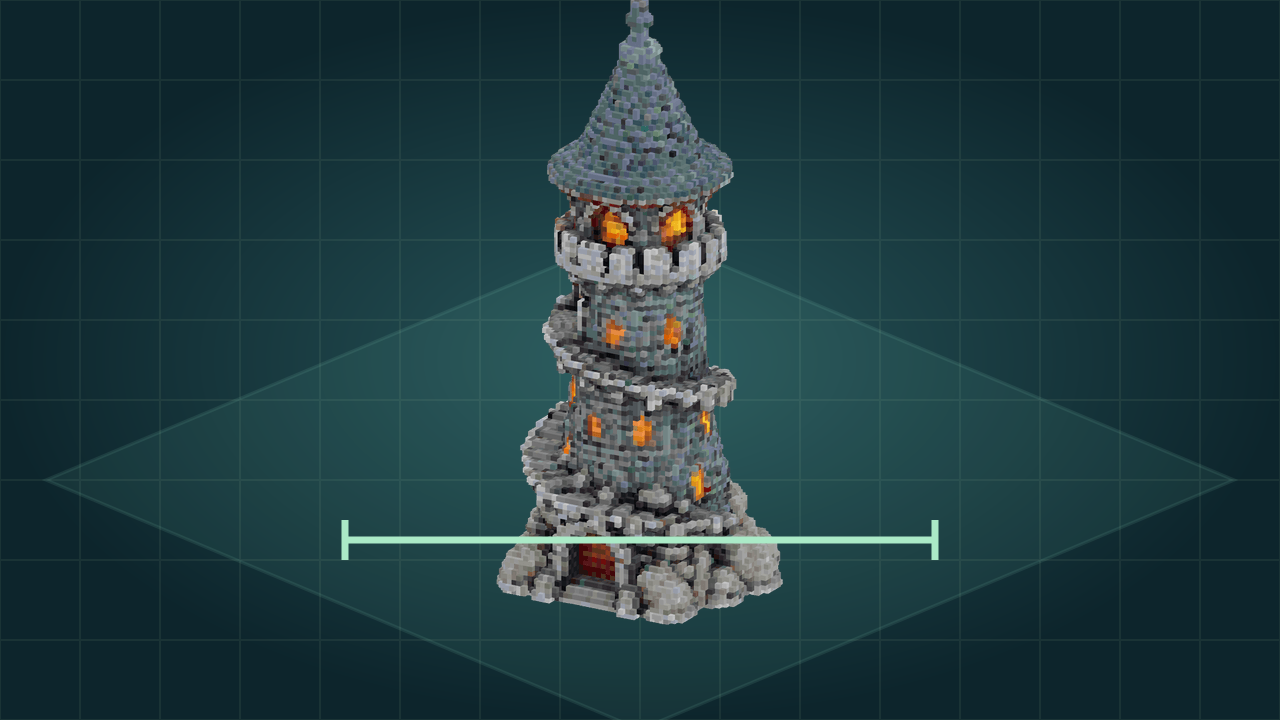
Stone tower with spiral balconies and glowing windows

Keep one editable project

Move between 3D, layers and materials without starting again. Export the current structure with the changes you have made.

Return to a design later

Download a Minecraft generator project file or save to your account. Reopen the editable state when you want to refine another part of the structure.

Minecraft generator questions

mcmaker logo

Put your Minecraft generator idea into blocks

Describe one build, shape the result and export a structure you can keep working on in your next building session.

Start your build