Minecraft skin poser for 3D character renders

Turn your skin into a 3D character portrait or action pose. The Minecraft skin poser lets you adjust joints, held items, camera and lighting, then download a PNG for a cover, profile or scene.

Pose your character 01
Start with a pose
Local draft
Loading character…Drag to orbit · use Camera to frame your render
1 characterTransparent PNG

A Minecraft skin pose with a different story

The same skin can read as a greeting, an action scene or a calm portrait. Use the Minecraft skin poser to judge the silhouette and framing together before choosing the character image for your next project.

Skin texture

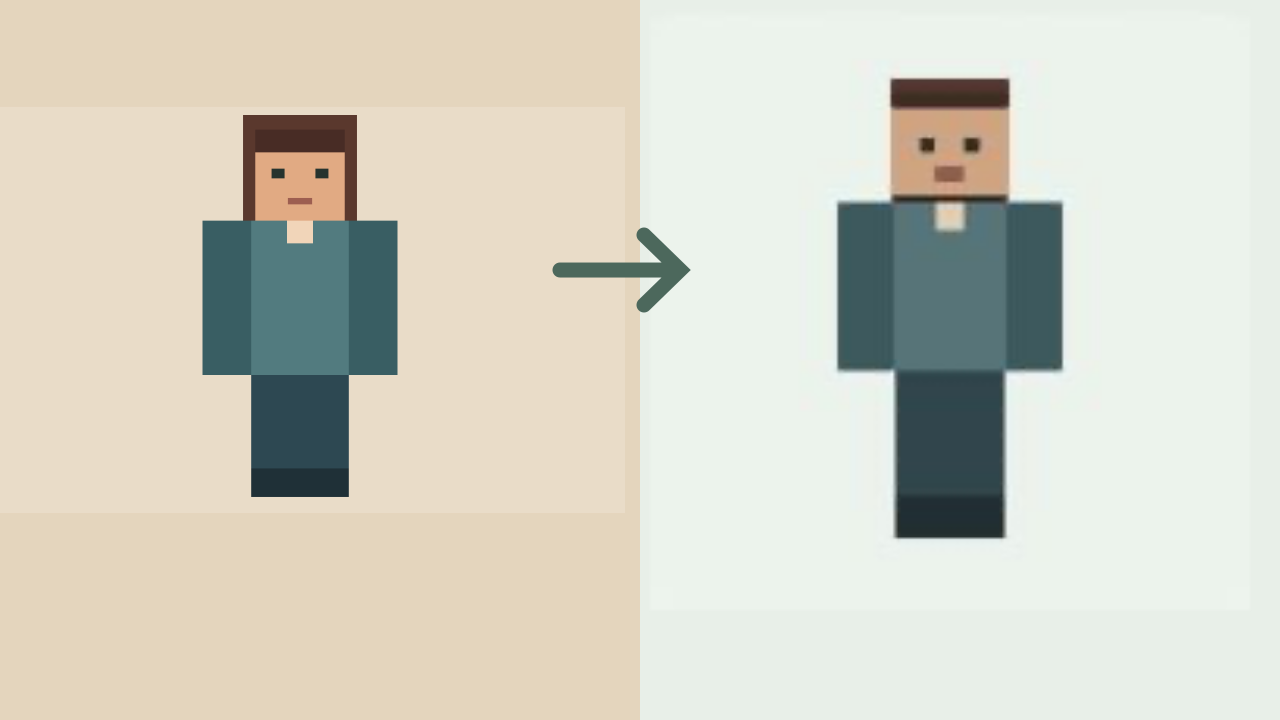
Classic 64 by 64 player skin texture

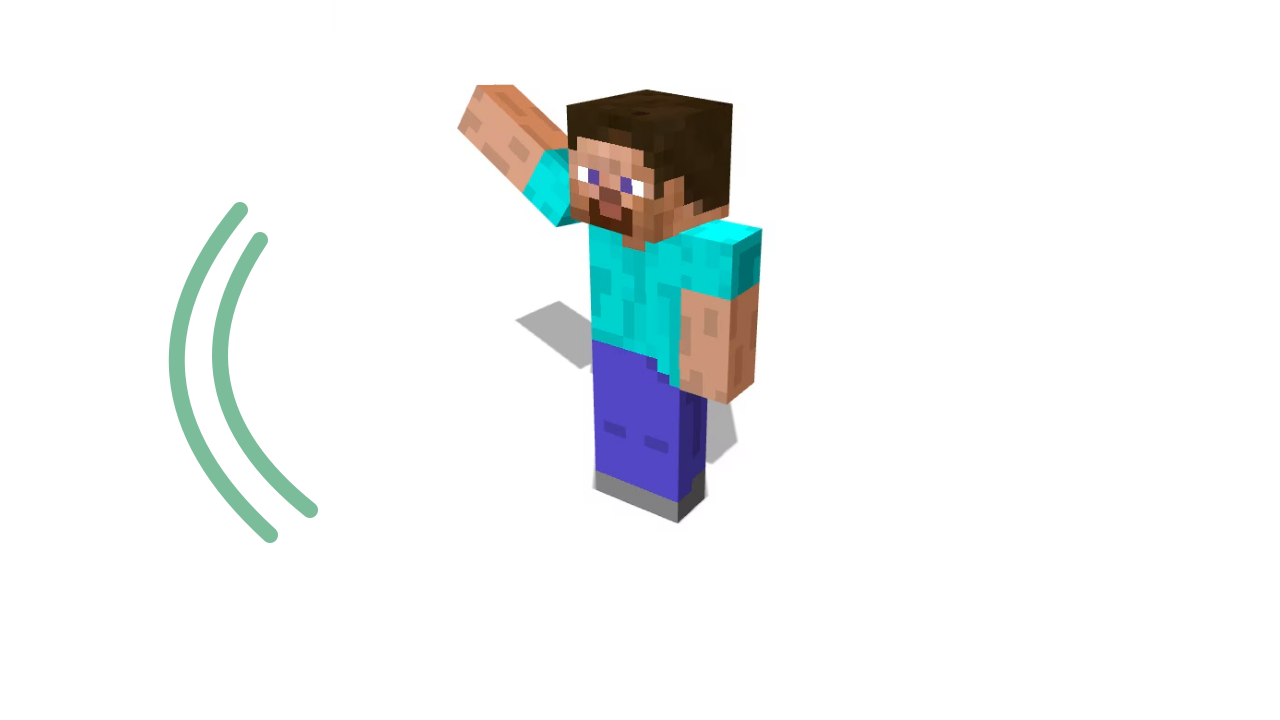
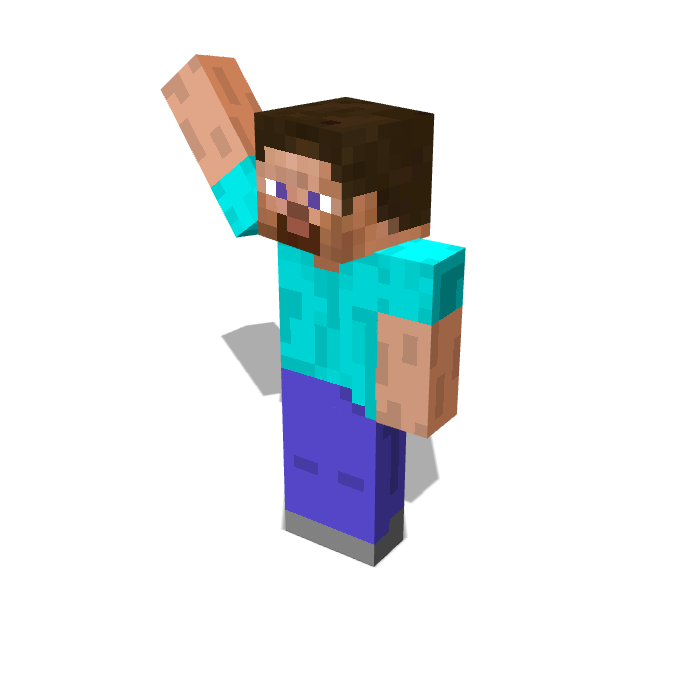
A Classic skin with a turquoise shirt and blue trousers. Raise one arm for a greeting and frame the complete character against a light background.

Posed character render

Turquoise-shirted player with one arm raised in a wave

How the Minecraft skin poser works

Pose your skin

Load the character you recognize

Upload a skin PNG or enter a Java username in the Minecraft skin poser, then choose Classic or Slim arms to match it.

Set the stance and view

Start with a preset, rotate individual joints and choose held items. Use the Minecraft skin poser camera to find a readable silhouette.

Export a character PNG

Choose a transparent or solid background, select the resolution and download the Minecraft skin poser scene as an image ready for your composition.

A Minecraft pose maker for deliberate character scenes

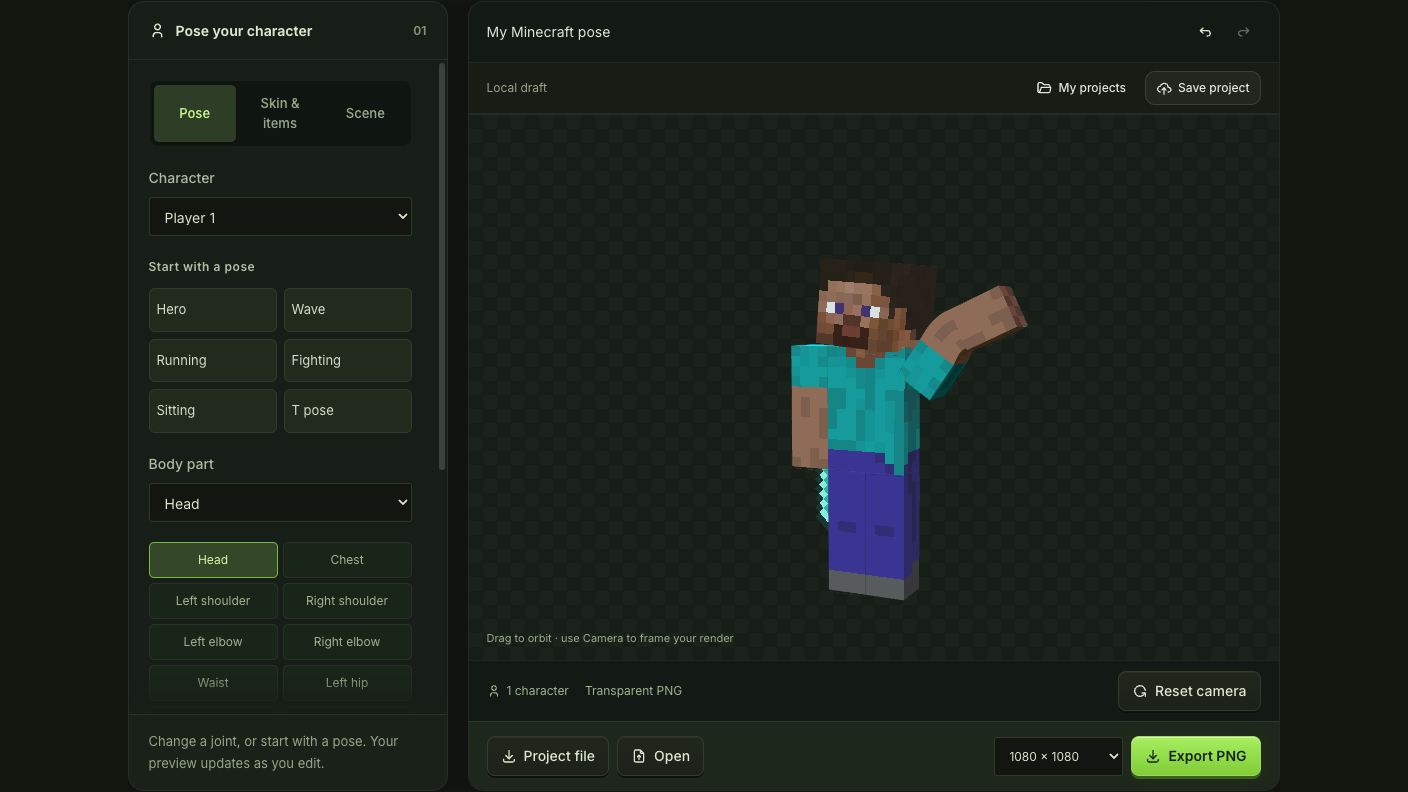
Wave preset and body joint controls beside the player preview

Shape a stance beyond the starting preset

Rotate shoulders, elbows, hips and knees alongside the head and torso. The Minecraft skin poser offers 11 adjustable joints, with mirror and undo controls, so you can develop a specific Minecraft pose from a familiar starting stance.

Adjust the pose
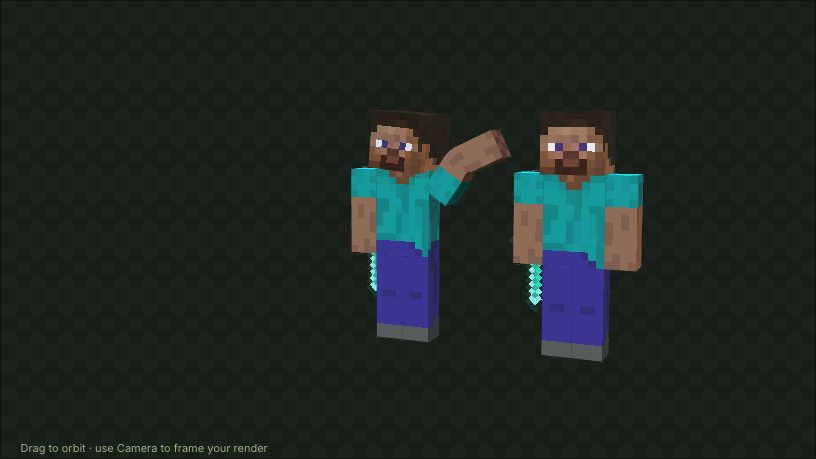
Multiple Minecraft characters arranged in one camera view

A Minecraft avatar poser for shared character scenes

Arrange up to six characters with individual positions and poses, then adjust the shared camera and light. The Minecraft skin poser renders the scene together, keeping your group within one composition.

Frame your scene

Give your MC pose a clear purpose

A good Minecraft skin render makes the gesture readable before someone notices the details. The Minecraft skin poser puts body language, framing and background choices together, whether you are making a solo avatar or a small group scene.

Choose the gesture first

Use Minecraft skin poser presets as starting points, then change the arms and head to make a wave, action stance or portrait fit your idea.

See the whole silhouette

Orbit the Minecraft skin poser camera and adjust its distance to separate hands, items and limbs before choosing the final angle for your character.

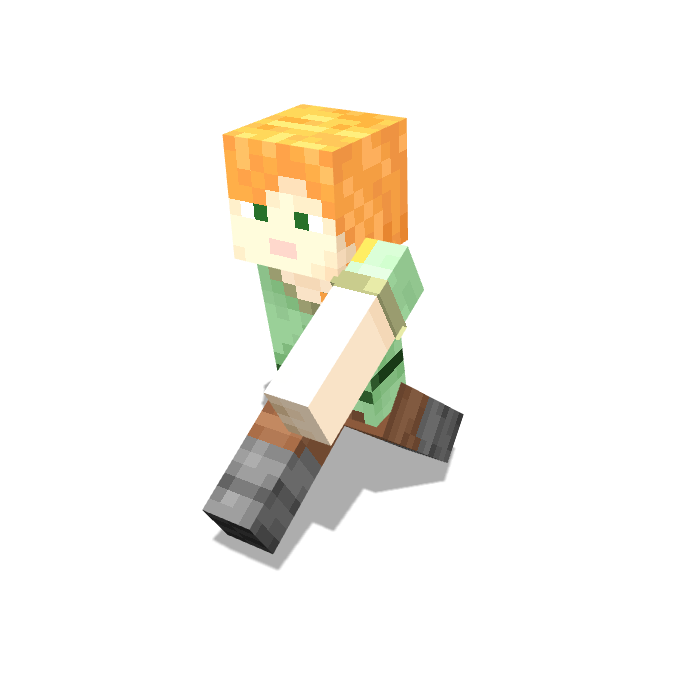
Orange-haired Slim character in a running pose against a white background

Place the render over other artwork

Export a transparent Minecraft skin poser PNG when the character belongs on another background, or choose a solid color for a self-contained image.

Return to the exact scene

Keep the Minecraft skin poser project, including its characters and camera, so a new portrait or changed item can begin from your saved arrangement.

Minecraft skin poser questions

mcmaker logo

Create your Minecraft skin poser render

Load the skin you use, choose a gesture and frame a character render that belongs in your next cover or profile.

Pose your skin