Minecraft real world map

Turn a real place into a Minecraft world you can explore. Select your hometown, choose Java or Bedrock, and create roads, buildings and terrain from geographic data.

Local draft
Your real-world area
0.040 km² · about 200 × 200 blocks

Java 1.21.4+ / Bedrock 1.21.40+. Supports up to 4 km². Results remain downloadable for 24 hours.

Generation settings
Spawn point
Center of selected area
Exact area coordinates

Geographic data © OpenStreetMap contributors. World processing uses Arnis (Apache-2.0). Generated terrain uses the engine’s available elevation sources.

See a real world Minecraft map take shape

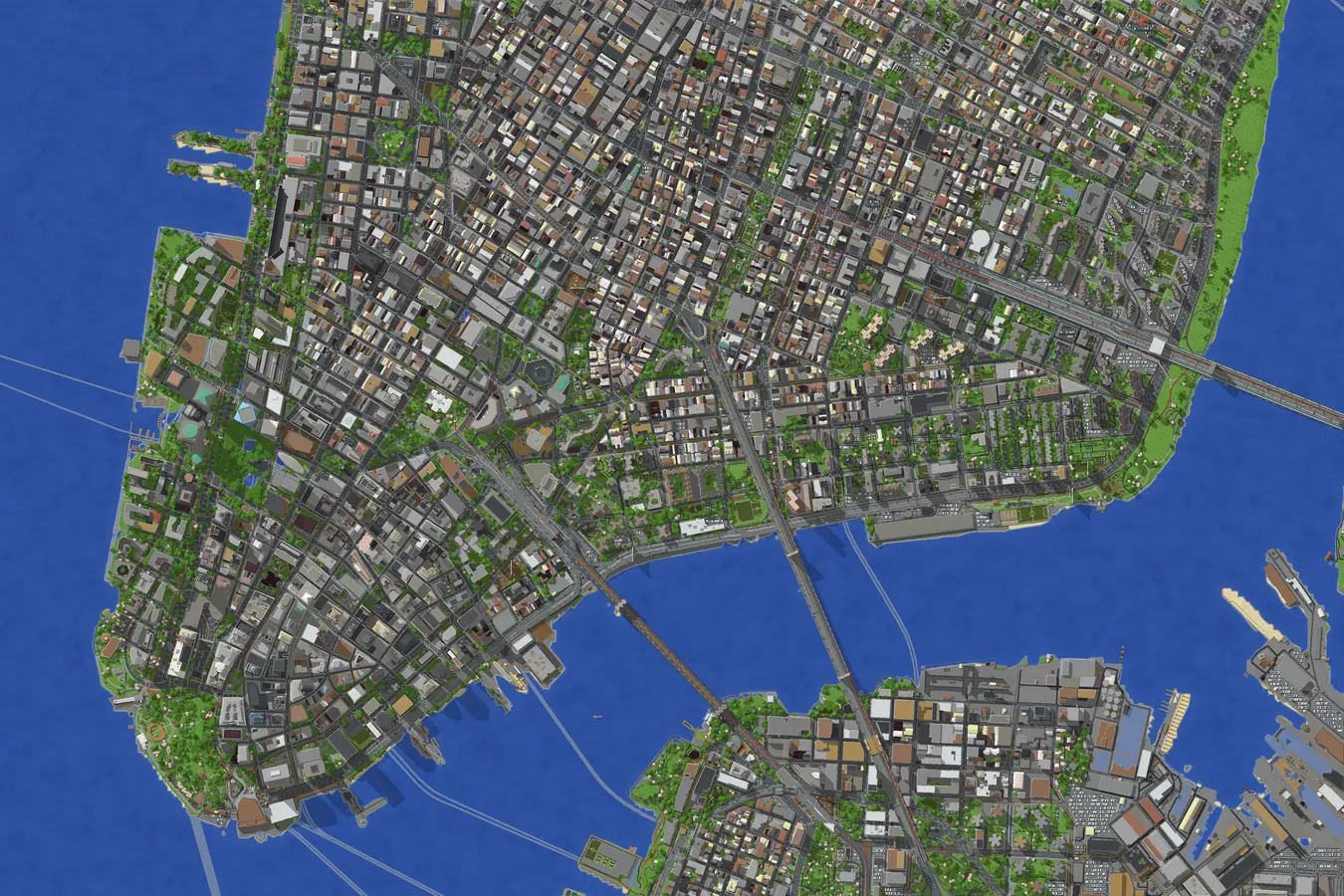
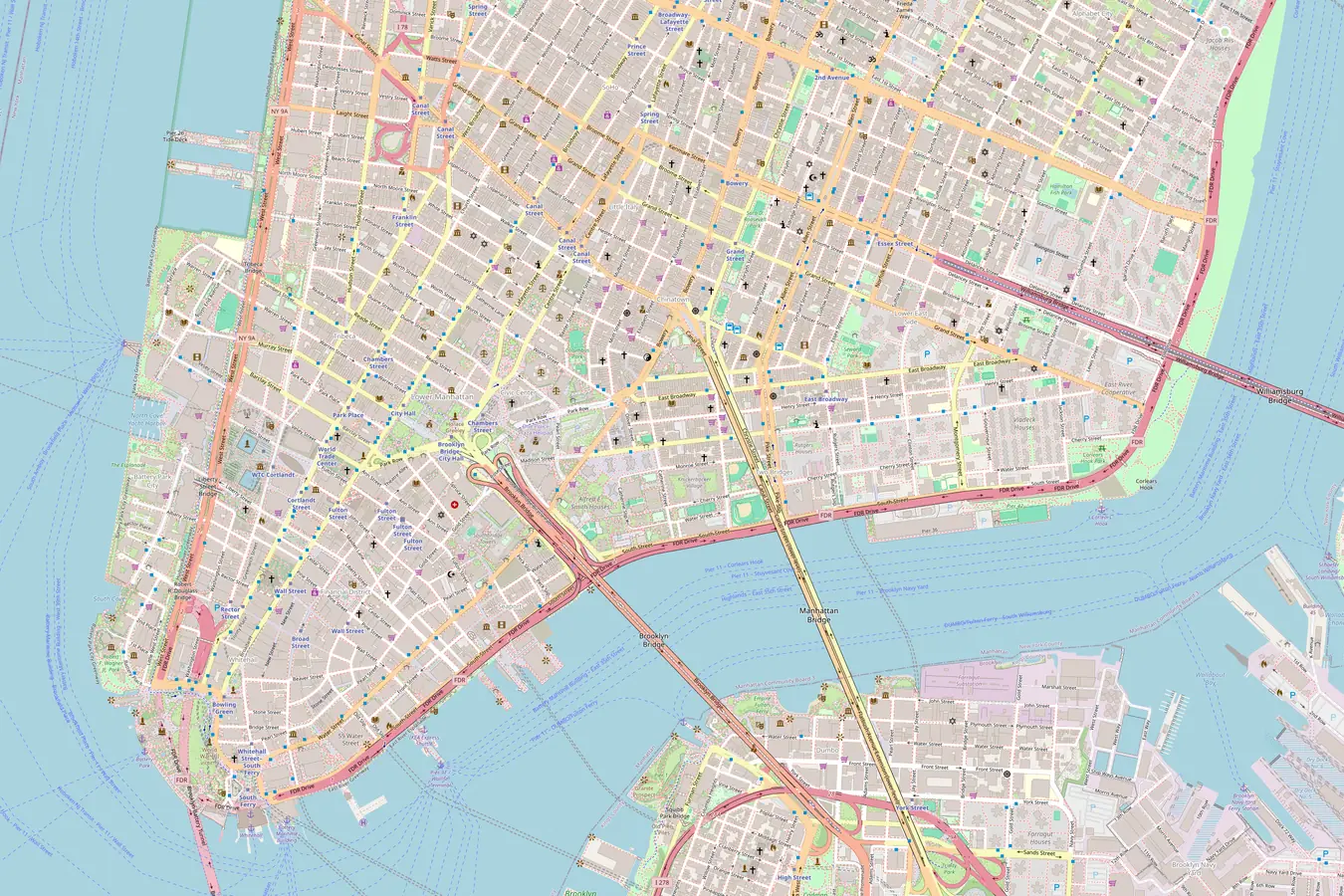
Slide across Lower Manhattan to compare its street layout with a block-built city. A Minecraft real world map preserves recognizable geography while giving you a starting point for your own builds.

Matching Minecraft view of Lower Manhattan with the same coastline and street gridOpenStreetMap view of Lower Manhattan with streets, waterfront and building footprintsReal mapMinecraft world
Map data © OpenStreetMap contributors

Create your Minecraft real world map

Start with your hometown

Find a familiar place

Search a city or enter coordinates, then draw two corners around the streets you want in your Minecraft real world map.

Choose how to explore

Select Java or Bedrock, adjust scale and terrain height, and set your spawn. Review the map-credit quote before generating.

Download and open your world

Generate your Minecraft real world map, inspect its preview, and download the world file. Import it into the matching Minecraft edition.

A real place, ready for your next build

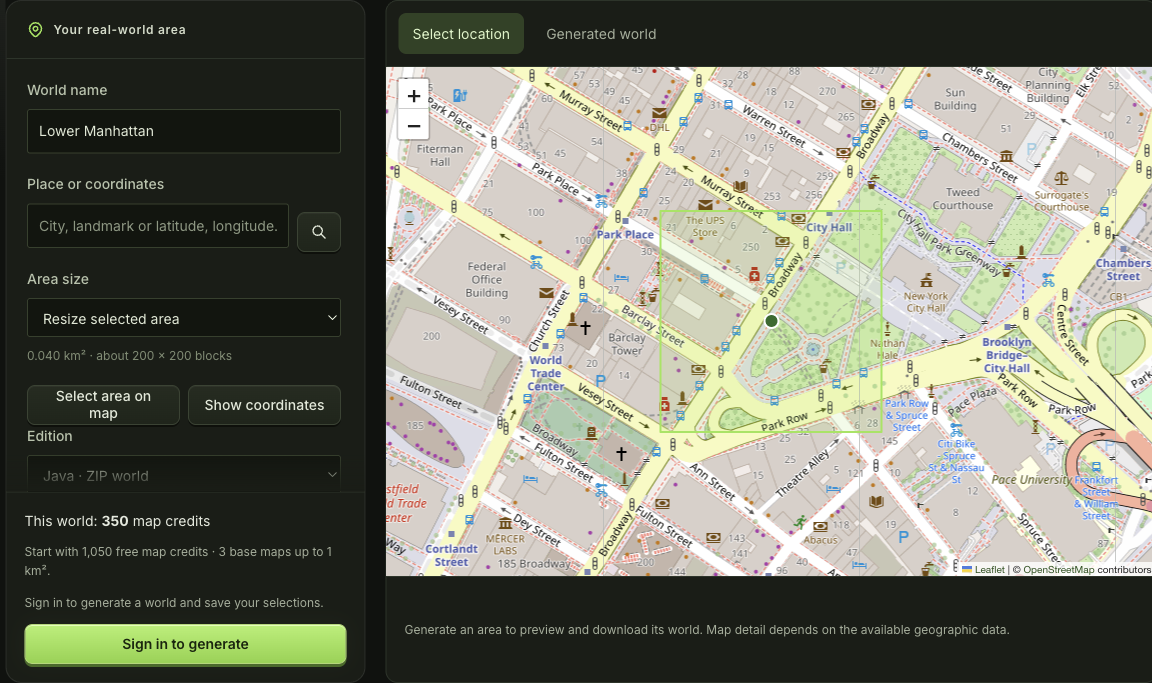
mcmaker map workspace showing location search, area controls and a geographic selection

Keep the streets that matter to you

Frame a school campus, a riverside neighborhood or the route home. The Minecraft real world map selector shows area and approximate block dimensions, so you can narrow your selection before committing to a world.

Select an area
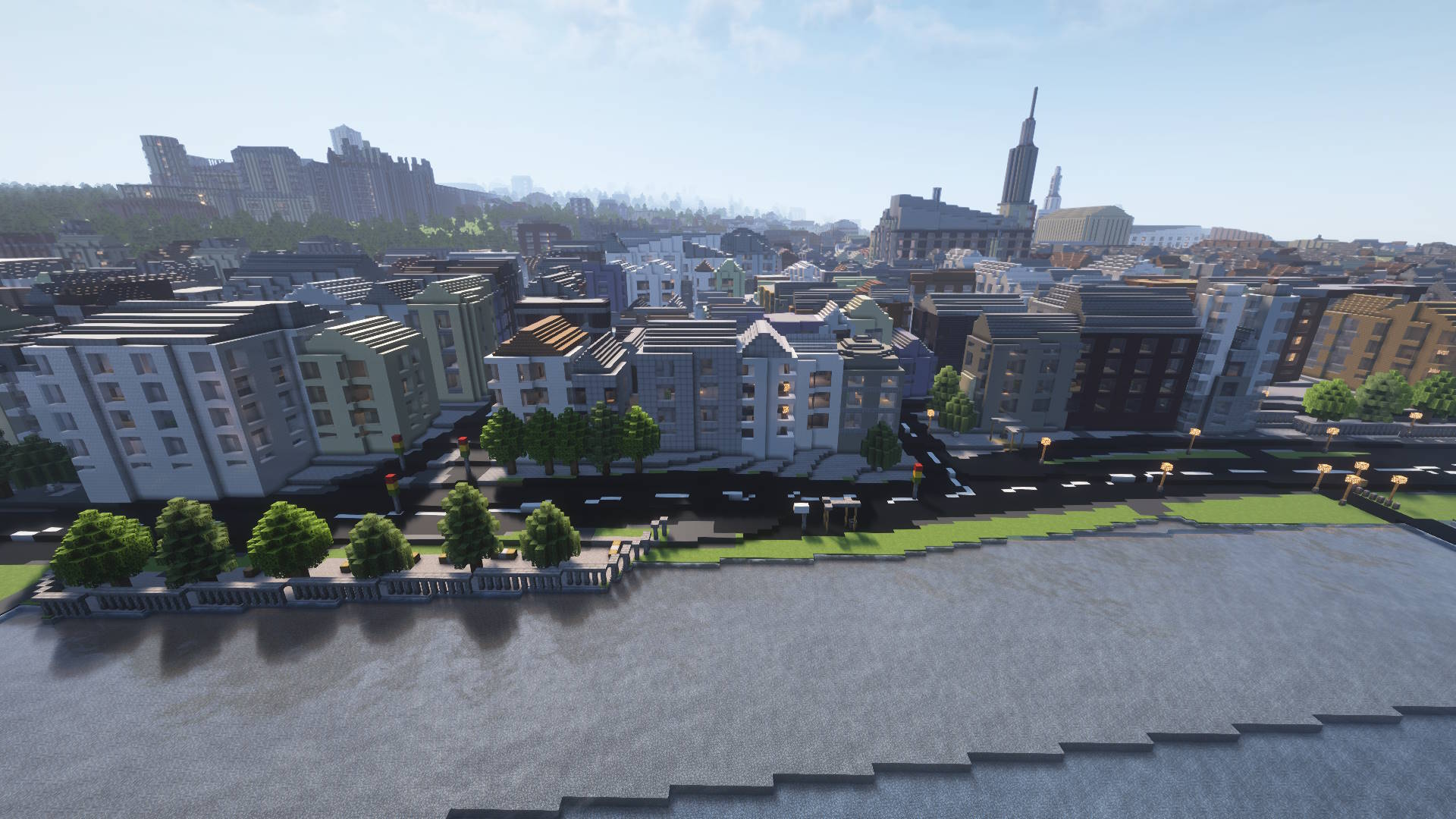
Minecraft riverfront town with hillside houses, a bridge and a recognizable river valley

Give your landscape the right starting shape

Keep terrain and geographic objects together, or generate either layer separately. Adjust horizontal scale and terrain height to suit your project. Your Minecraft real world map becomes a useful foundation for adding custom buildings, paths and interiors.

Shape your world
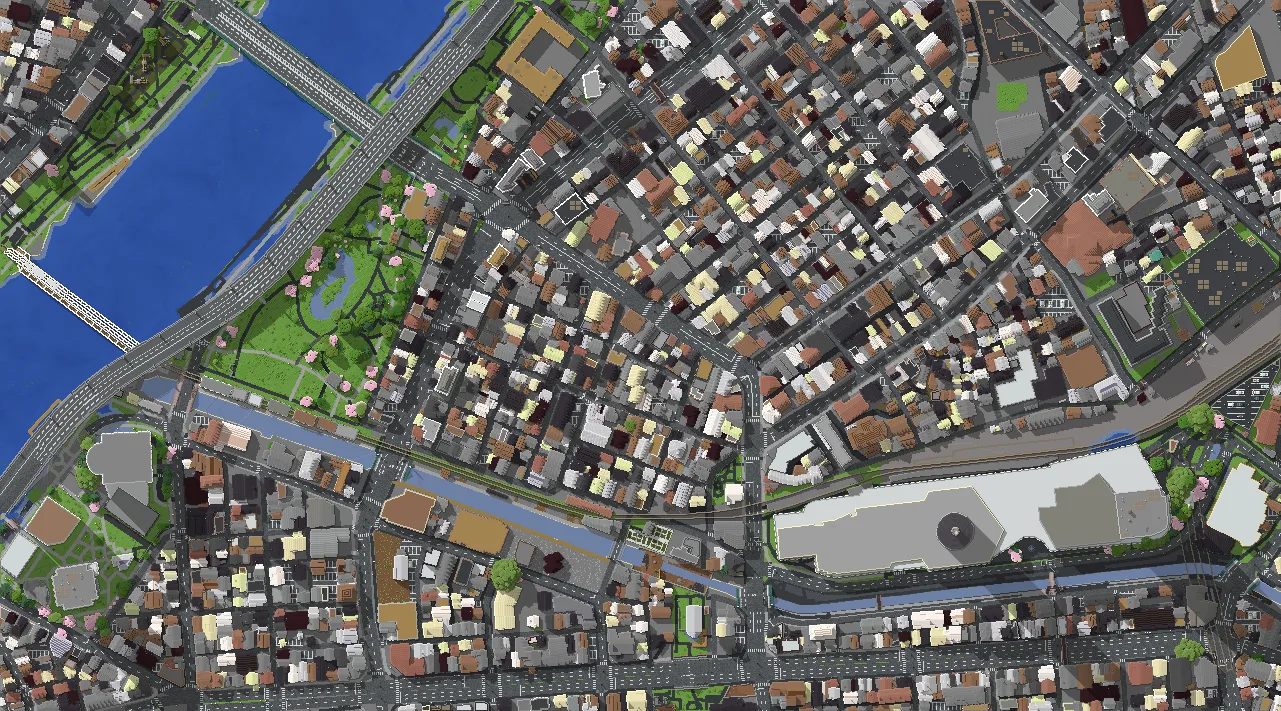
Top-down Minecraft city with a river, bridges, rail lines and dense urban blocks

Explore the same place in your edition

Choose a Java world ZIP or a Bedrock MCWORLD before generation. Set Creative for building or Survival for exploring. A Minecraft real world map carries your chosen game mode, time and spawn into the exported world.

Choose your edition

Build somewhere that already means something

A Minecraft real world map connects your next project to a place you know. Use recognizable roads, parks and water as the framework, then make the details your own.

Make your hometown a shared project

Give friends a Minecraft map of your town to rebuild together. Start with the street pattern, then add the homes and landmarks you remember.

Plan around real geography

Use a Minecraft real world map to sketch an alternate neighborhood. Compare possible paths, parks and buildings against a familiar geographic starting point.

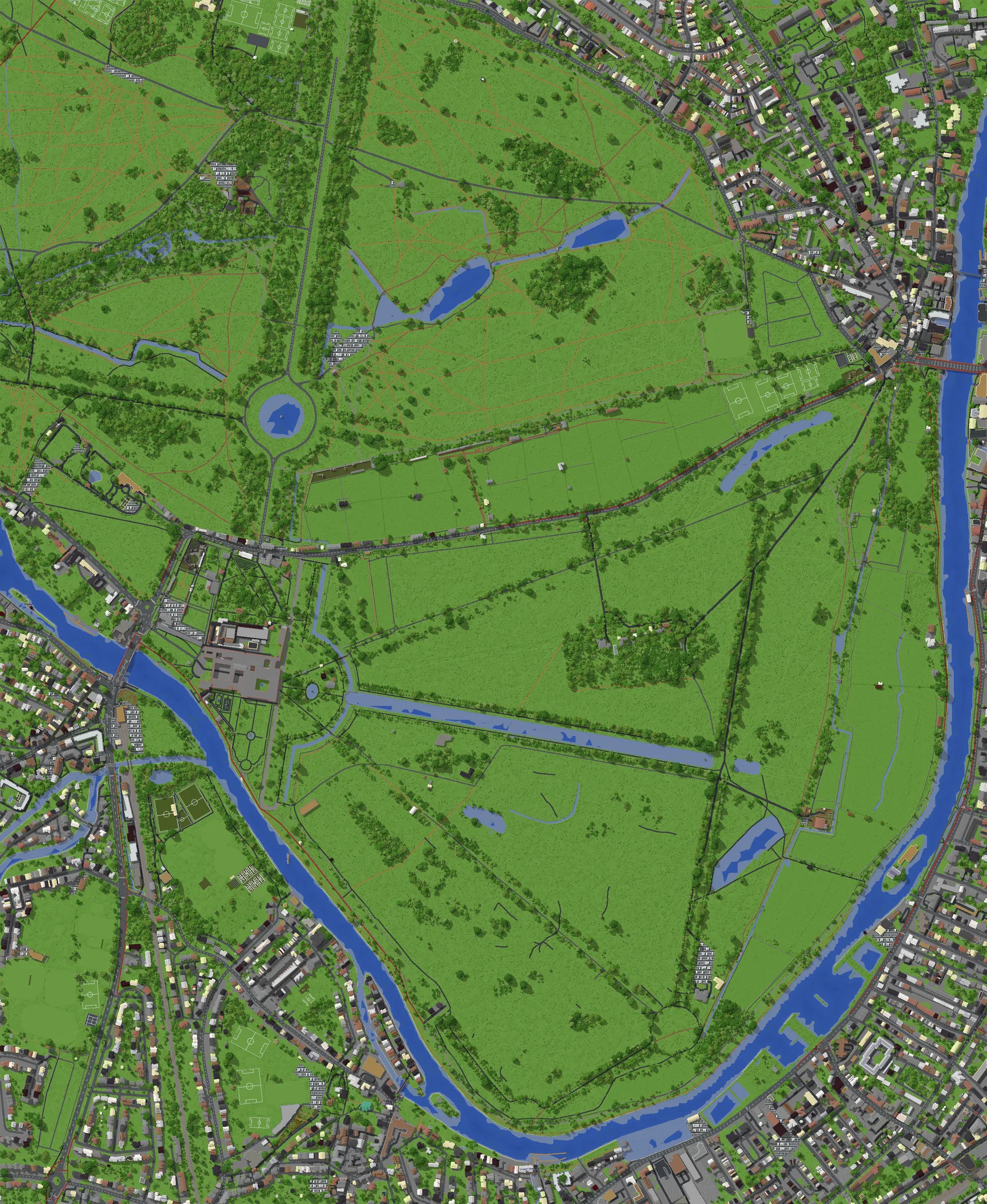
Top-down Minecraft landscape with park paths, trees, playing fields, water and surrounding streets

Try three small worlds free

Your verified account receives 1,050 map credits once. A Minecraft real world map up to one square kilometer starts at 350 credits, without interiors.

Return to your saved selection

Save the area and settings to your account. Reopen your Minecraft real world map project later, adjust your choices, or recover an existing generation.

Minecraft real world map questions

mcmaker green voxel block logo

Start your Minecraft real world map

Choose one familiar place, frame the streets you want, and build a world you can explore in Java or Bedrock.

Create your first map